


The best battery-powered temperature sensor depends on your smart home hub, with Zigbee options like the Aqara Sensor leading for battery life and value. For outdoor or heavy-duty needs, Bluetooth monitors like the RuuviTag offer rugged water resistance. Choosing the right device keeps your home comfortable, safe, and fully automated.
Imagine waking up in the middle of a freezing winter night. You pull your blankets close, but you still feel a deep chill. You walk downstairs only to find that your heating system shut off hours ago. Or picture coming home from a long trip to find that a pipe burst in your crawlspace because of extreme frost. These cold-weather disasters can cause thousands of dollars in damage. Fortunately, you can prevent these stressful events with a simple, inexpensive tool.
Smart home technology makes it easy to keep track of your home environment. Small wireless sensors watch your rooms when you are asleep or away. But as you start shopping, you will quickly face a key question. What Is the Best Battery-Powered Temperature Sensor? With hundreds of options on the market, finding the right match can feel tricky. Some require special hubs, while others talk directly to your phone.
This article will guide you through the process of choosing the perfect sensor. We will look at different wireless technologies, top brands, and key features. You will learn about battery life, signal range, and smart home systems. By the end, you will know exactly which device fits your budget and your home.
Key Takeaways
- Ecosystem Match: Select a sensor that naturally connects with your existing smart hub for the easiest setup.
- Long Battery Life: Zigbee and Z-Wave sensors offer superior battery life, often lasting up to two years.
- Rugged Options: Look for waterproof ratings like IP67 if you plan to use sensors in freezers or outdoors.
- Update Frequency: Choose a model that lets you adjust how often it sends data to save battery power.
- Smart Integration: Ensure your chosen device works with Alexa, Google Home, or Apple HomeKit for voice control.
📑 Table of Contents
Understanding Different Wireless Technologies
Before you buy any device, you must understand how it communicates. Wireless sensors do not all talk the same way. The wireless protocol you choose affects battery life, setup ease, and price.
Wi-Fi Sensors
Wi-Fi sensors are very popular because they are easy to use. They connect directly to your home wireless router. You do not need to buy any extra smart hubs. You simply download an app, connect the device, and start reading data. However, Wi-Fi uses a lot of electricity. This means Wi-Fi sensors have short battery lives. You may find yourself swapping out batteries every few months.
Zigbee and Z-Wave Sensors
Zigbee and Z-Wave are low-power smart home languages. These sensors do not talk directly to your Wi-Fi router. Instead, they talk to a central smart hub. Because they use so little power, their batteries can last for two years or more. They also build a strong mesh network in your home. If you want to see what hobbyists use, you can read Home Assistant community discussions on cheap sensors to see how real users build these low-power networks.
Bluetooth and Thread Sensors
Bluetooth sensors are great for direct phone connections. They work well if you only need to check the temperature while you are in the same room. Thread is the newest smart home standard. It combines the low power use of Zigbee with the speed and reliability of modern networks. Thread sensors work beautifully with Apple HomeKit and the new Matter smart home standard.
Top Contenders in the Market
If you are looking for the best device, several brands stand out. Let us look at the top models that homeowners love.
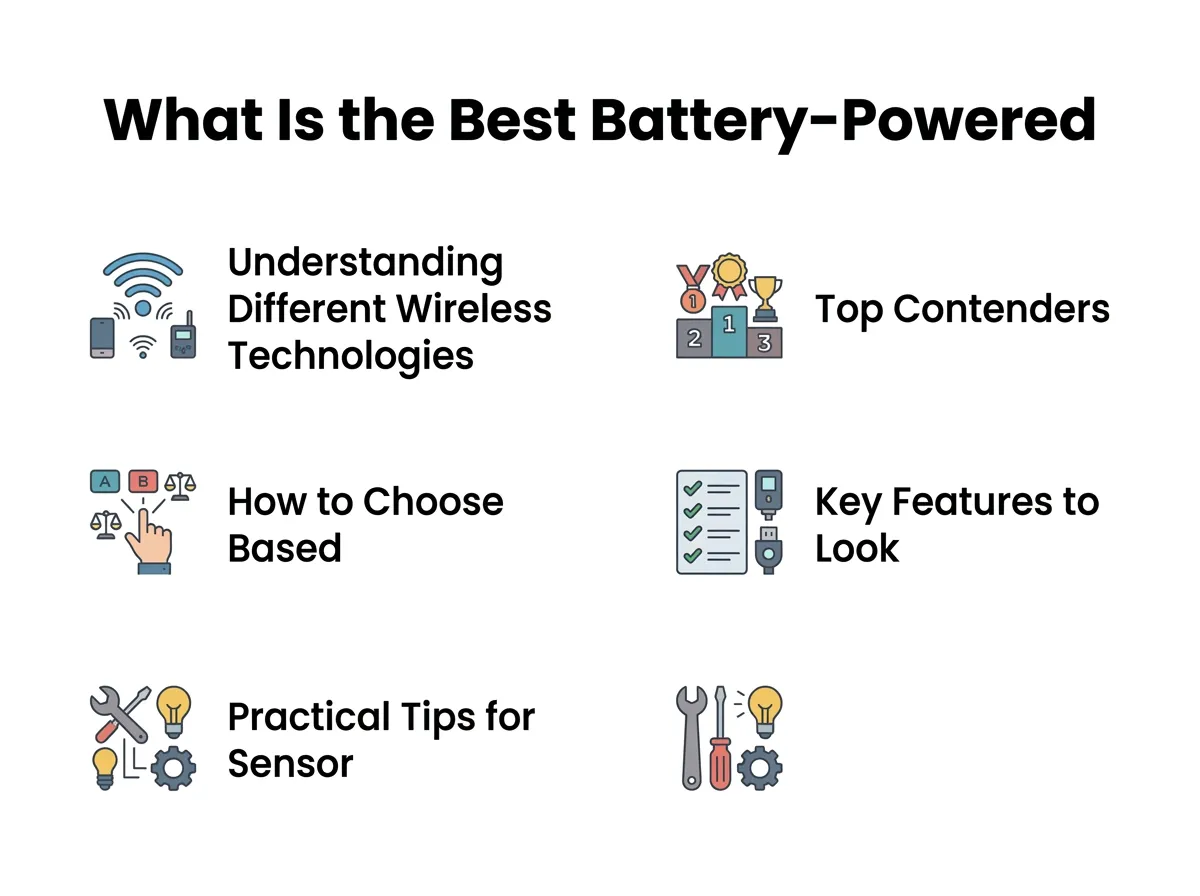
What Is the Best Battery-Powered Temperature Sensor? — key points at a glance
The Aqara Temperature and Humidity Sensor
This is a tiny, lightweight sensor that uses Zigbee technology. It is about the size of a postage stamp. You can stick it to any wall using the included adhesive pad. It tracks temperature, humidity, and air pressure very accurately. It runs on a single CR2032 coin battery. This small battery easily lasts for over a year. It is a top choice for budget-conscious buyers who already own a compatible hub.
The RuuviTag Smart Sensor
If you need something tough, the RuuviTag is an amazing option. It is a Bluetooth sensor housed in a rugged, waterproof case. It can withstand freezing weather, wet greenhouses, and hot attics. It sends data directly to your phone. Because of its tough build, it is perfect for tracking temperatures inside refrigerators and deep freezers. You can check a detailed temperature sensor comparison to see how the RuuviTag holds up against other models in extreme conditions.
The Sonoff SNZB-02D
Many people like to see the temperature without opening a phone app. The Sonoff SNZB-02D features a clear LCD screen on the front. This lets you read the current climate with a quick glance. It uses Zigbee to talk to your smart home hub. This sensor is highly affordable, making it easy to buy several for different rooms in your house.
How to Choose Based on Your Specific Needs
To find the right tool, you must think about where you will place it. What Is the Best Battery-Powered Temperature Sensor for a living room might not work in a garage.
Indoor Living Areas
For bedrooms and living rooms, look for small, stylish designs. You want a sensor that blends in with your paint and furniture. A simple white plastic case works best. High precision is key here, as even a small draft can make a room feel uncomfortable.
Freezers and Refrigerators
Cold temperatures are very hard on batteries. Standard alkaline batteries quickly lose their charge in the cold. If you want to place a sensor in a freezer, you need to use lithium batteries. You can read about alkaline battery-operated sensors on SmartThings to understand how cold weather affects battery performance and why lithium is a safer bet for cold spots.
Greenhouses and Mudrooms
Greenhouses have high moisture levels. This moisture can ruin delicate electronic circuits. For these spots, you must buy a sensor with a high IP rating. An IP67 rating means the device is completely dustproof and waterproof. It can handle heavy mist and accidental splashes without breaking down.
Key Features to Look For Before Buying
When you shop, do not just buy the cheapest option. Keep these three important features in mind to get the best experience.
Battery Life and Battery Type
Replacing batteries is a chore. Look for sensors that promise at least one year of battery life. Devices that use standard AAA batteries are easier to maintain because you likely have spares in your kitchen drawer. Devices that use coin-cell batteries can be smaller, but those batteries are sometimes harder to find in local stores.
Data History and Logging
Some sensors only show you the temperature right now. Others keep a history log of the past day, week, or month. A history log is incredibly helpful. It lets you see if your attic is getting too hot during the day, or if your greenhouse drops below freezing during the night. Look for apps that display clean, easy-to-read charts.
Alerts and Notifications
The main reason to buy a smart sensor is peace of mind. You want a system that sends a loud notification to your phone if things go wrong. If your basement drops below 35 degrees Fahrenheit, you need to know immediately. Ensure the sensor app allows you to set custom high and low temperature limits for alerts.
Practical Tips for Sensor Placement
Where you put your sensor is just as important as the model you buy. Poor placement can lead to false readings and useless smart home actions. Follow these quick tips for the best results.
Keep Out of Direct Sun
Never place a temperature sensor in direct sunlight. The sun will heat up the plastic housing of the device. This makes the sensor read a temperature that is much higher than the actual room air. Place your sensors on inner walls away from sunny windows.
Avoid Drafts and Vents
Keep your devices away from heating vents, air conditioners, and drafty doors. A sensor placed right next to an air conditioning vent will think the whole house is freezing, even if the rest of the room is hot. Place the sensor in a neutral spot where air flows naturally.
Mount at Eye Level
Heat naturally rises to the ceiling, while cold air sinks to the floor. If you place a sensor too high or too low, you will get an inaccurate picture of how the room actually feels. Mount your sensors at eye level for the most helpful data.
Conclusion
So, what is the best battery-powered temperature sensor for your home? If you want a cheap, long-lasting device and already own a smart hub, the Aqara Zigbee sensor is an incredible choice. It is small, accurate, and very affordable. If you do not have a hub and want something rugged for outdoor or freezer use, a waterproof Bluetooth sensor like the RuuviTag is the clear winner.
Take a look at your current smart home setup, think about where you want to place your new device, and choose the model that fits your life. With a reliable sensor in place, you can protect your home from extreme weather and enjoy a comfortable living space all year round.
Frequently Asked Questions
What is the average battery life of a wireless temperature sensor?
Most high-quality Zigbee and Z-Wave temperature sensors have a battery life of one to two years. Wi-Fi sensors use more power and typically require new batteries every three to six months. Using lithium batteries instead of alkaline batteries can help extend this lifespan, especially in cold environments.
Do I need a hub to use a battery-powered temperature sensor?
It depends on the wireless technology the sensor uses. Wi-Fi and Bluetooth sensors connect directly to your router or smartphone without needing a hub. Zigbee and Z-Wave sensors, however, require a compatible smart home hub to translate and share their data.
Can I use these sensors inside a freezer?
Yes, you can use wireless temperature sensors inside a freezer, but you must choose the right model. Look for a waterproof sensor like the RuuviTag and use lithium batteries, as standard alkaline batteries will quickly drain and fail in freezing temperatures.
What is the difference between Zigbee and Wi-Fi sensors?
Zigbee sensors use very little power, which makes their batteries last much longer, but they require a central hub to work. Wi-Fi sensors connect directly to your home internet router without a hub, but they consume battery power much faster.
How do I get alerts on my phone if the temperature drops?
You can set up push notifications through the sensor’s official mobile application. Inside the app settings, you can define custom threshold limits, such as sending an immediate alert if the temperature falls below 40°F or rises above 85°F.
Are battery-powered temperature sensors accurate?
Yes, most modern smart sensors are highly accurate, usually within 0.5 degrees Fahrenheit of the actual temperature. Many sensor companion apps also allow you to calibrate the reading if you notice a slight offset compared to a traditional thermometer.
