


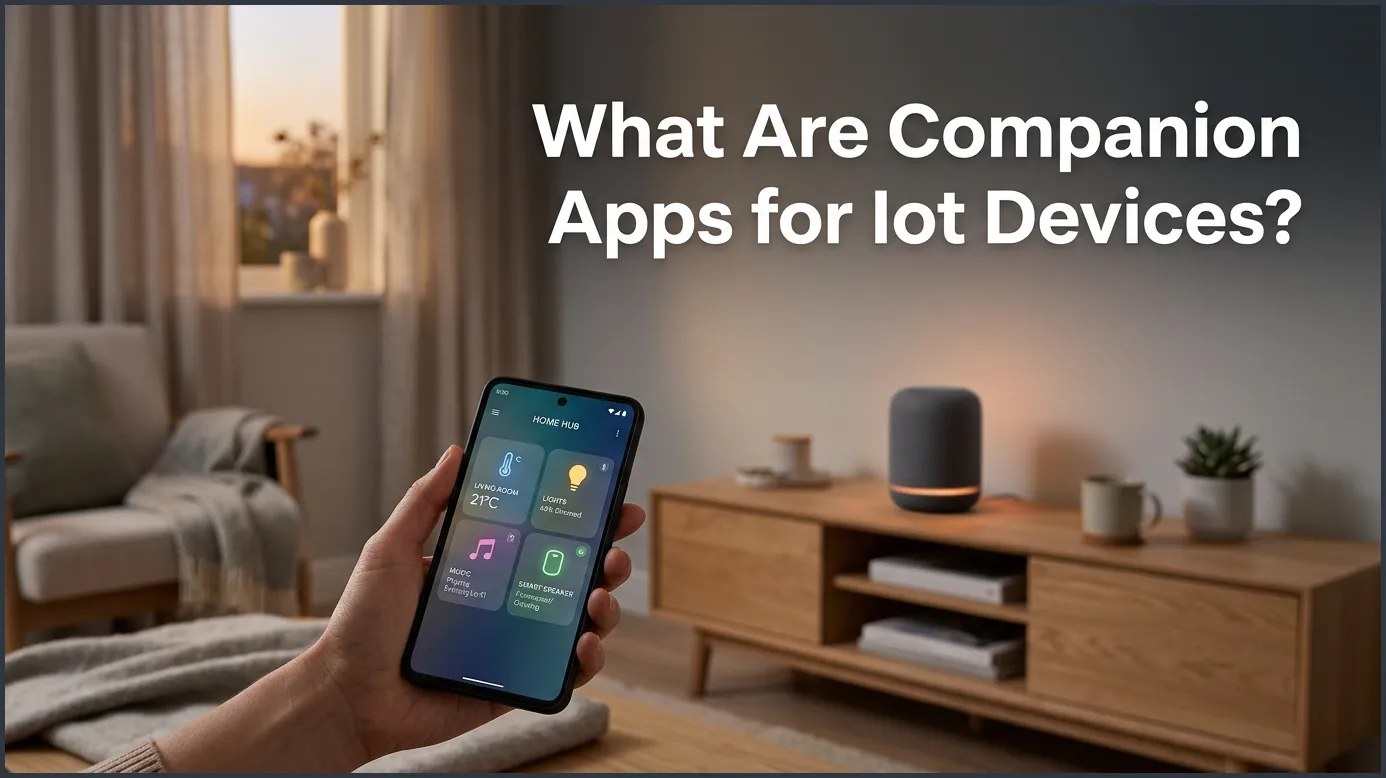
Companion apps for IoT devices are smartphone or tablet applications that let you control, monitor, and configure smart gadgets remotely. These apps act as the primary bridge between you and your physical hardware, turning complex raw data into a friendly, easy-to-use digital dashboard. Without them, managing modern smart home setups, wearable tech, and connected appliances would be nearly impossible.
Picture this scenario. You just bought a shiny new smart light bulb. You unbox it, screw it into your living room lamp, and flip the wall switch. The bulb flashes a few times, waiting for your next move. What do you do? You do not pull out a complicated user manual or start typing code into a computer. Instead, you reach into your pocket, grab your phone, and open an app.
That app is the magic link that brings your new bulb to life. It lets you change the light color to soft yellow, set a timer for bedtime, and turn the light off from your cozy spot on the couch. But what exactly is this software, and why is it so important in our connected world? To understand how our smart homes function, we need to answer a fundamental question: What Are Companion Apps for IoT Devices?
In this guide, we will break down how these apps work. We will look at their primary functions, see how they talk to your gadgets, and discuss how to keep them secure. Whether you are a smart home fanatic or just curious about technology, this guide will help you understand the software that powers your daily life.
Key Takeaways
- Universal Remote Control: Companion apps allow users to manage their smart devices from anywhere in the world.
- Easy Device Setup: They simplify the process of connecting physical hardware to your home Wi-Fi network.
- Data Translation: They turn complex sensor readings into easy-to-read charts and helpful notifications.
- Vital Update Channel: These apps deliver crucial security patches and firmware updates to keep your devices running safely.
- Security Touchpoints: Because they handle sensitive network data, keeping companion apps secure is critical for your digital privacy.
📑 Table of Contents
Understanding the Role of Companion Apps
At its core, a companion app is a piece of software built for a mobile phone, tablet, or web browser. Its sole job is to let you interact with a physical Internet of Things (IoT) device. Without this app, your smart gadgets would be very hard to use. Most smart plugs, sensors, and cameras do not have screens or buttons. They are small, sleek, and minimalist. The companion app acts as the virtual screen and control panel for that screenless hardware.
The Bridge Between Human and Machine
Think of the companion app as an interpreter. Your smart security camera speaks in complex computer code, signals, and binary data. You speak in simple commands like “show me the front door” or “turn on night vision.” The companion app sits right in the middle. It translates your finger taps into commands the camera can understand. Then, it translates the camera’s video stream into a smooth picture on your screen.
Centralizing the Smart Home Experience
Imagine if you had to walk up to every single gadget to change its settings. It would defeat the purpose of a smart home! Companion apps bring all these controls right to your fingertips. Instead of dealing with physical buttons, you get a clean user interface. You can group devices together, create daily routines, and manage your entire home with a single tap.
Key Functions of an IoT Companion App
These apps do much more than just turn things on and off. They carry out several vital tasks that make our gadgets truly smart.
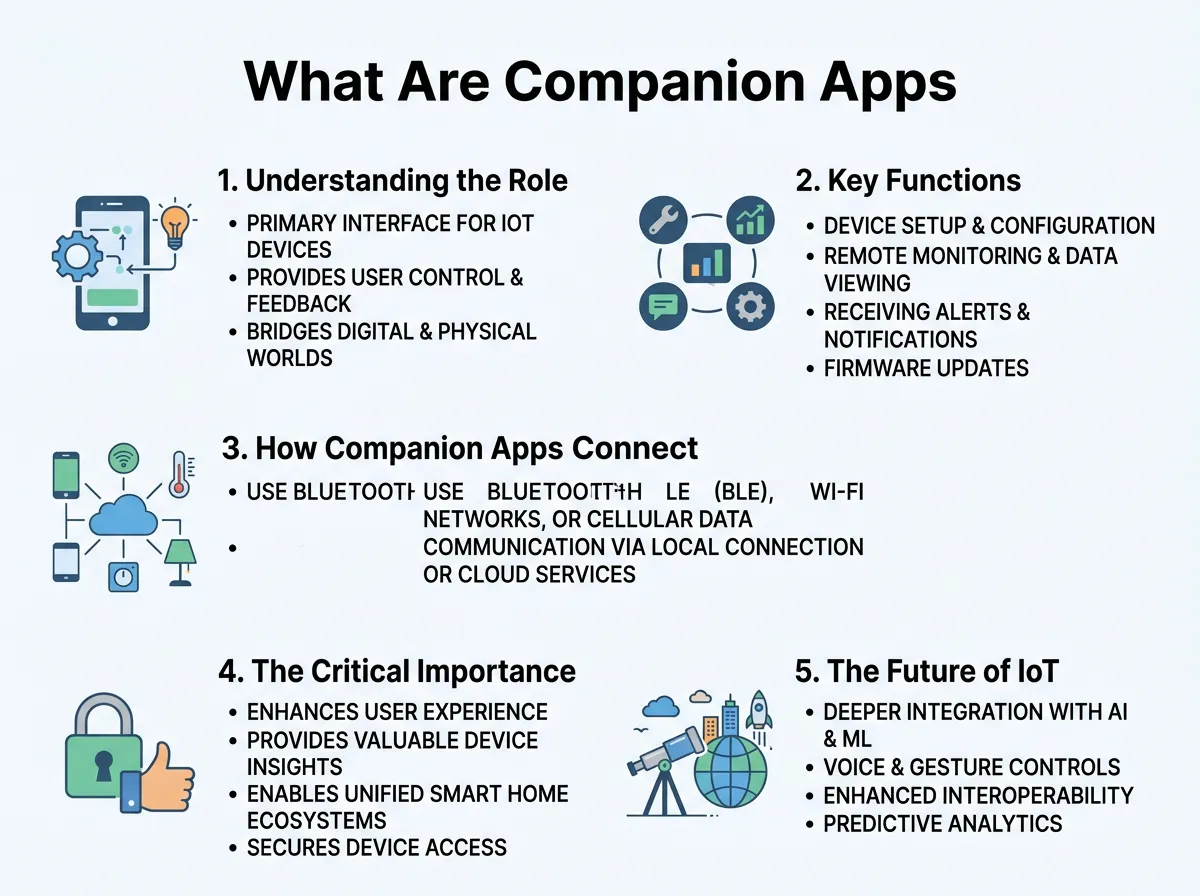
What Are Companion Apps for IoT Devices? — key points at a glance
1. Easy Device Setup and Configuration
When you unbox a new smart device, it does not know your home Wi-Fi password. It does not know your time zone or your name. The companion app guides you through the setup process. It uses your phone’s Bluetooth connection to find the new device. Then, it securely shares your home Wi-Fi details with the gadget so it can connect to the internet.
2. Remote Monitoring and Control
Are you at work and wondering if you left the oven or the iron on? With a companion app, you can check the status of your home appliances from miles away. You can view live video feeds from your pet camera, adjust your home thermostat, or lock your front door if you forgot to do so in the morning rush.
3. Data Visualization and Analysis
Many IoT devices gather a lot of data. Smart scales track your weight, fitness bands count your steps, and smart thermostats monitor your energy habits. A good companion app takes this raw data and turns it into beautiful, easy-to-read charts. For example, hobbyists can even build a custom IoT health companion app project to track personal heart rates and oxygen levels on a simple dashboard.
How Companion Apps Connect to Your Devices
How does the app on your phone actually talk to the gadget on your wall? They use a few different wireless communication methods to stay in touch.
Local Wireless Connections
When you are standing right next to your smart device, the app often uses local wireless signals. The most common is Bluetooth Low Energy (BLE). This is perfect for fitness trackers and smart locks because it uses very little battery power. Other devices might create their own temporary Wi-Fi network during setup. This is a common topic of technical discussion, and developers often troubleshoot these local networking steps on platforms like the Apple Developer Forum to ensure smooth connections on iOS devices.
Cloud-Based Communication
What happens when you leave your house? Your phone can no longer use Bluetooth to talk to your smart thermostat. This is where the cloud comes in. Your smart device connects to your home Wi-Fi and sends data up to a secure cloud server. When you open your companion app on cellular data, the app talks to that same cloud server. The cloud acts as a reliable middleman, passing messages back and forth in milliseconds.
The Critical Importance of Security and Privacy
Because companion apps handle so much of our personal lives, they are prime targets for cyber threats. They know when we are home, store our Wi-Fi passwords, and sometimes hold our credit card details.
Understanding the Risks
If an app is poorly coded, hackers could intercept the data traveling between your phone and your smart device. Security experts have pointed out various smartphone and IoT security threats that emerge when mobile apps fail to encrypt sensitive user credentials. If a malicious actor gains access to your companion app, they could theoretically control your physical smart home devices.
Forensic Footprints and Privacy
Every time you tap a button in a companion app, it leaves a digital trace. These digital clues can show exactly when you locked a door or turned on a light. You can learn more about these digital footprints in scientific studies of smart relays and companion apps which explore how much personal data these systems actually store in their memory logs.
Tips for Keeping Your Companion Apps Secure
- Use Strong, Unique Passwords: Never reuse passwords across different smart home accounts.
- Enable Two-Factor Authentication (2FA): This adds an extra layer of security by requiring a code sent to your phone.
- Keep the App Updated: Developers constantly patch security holes, so turn on automatic updates.
- Check App Permissions: Do not let a simple smart bulb app access your contacts or location unless it is absolutely necessary.
The Future of IoT Companion Apps
As technology marches forward, companion apps are becoming even smarter. In the past, you needed a separate app for every single brand of light bulb or smart plug you owned. This led to “app clutter” on our phones.
Today, the industry is moving toward unified standards like Matter. This means you will soon be able to control all your different smart devices through one single app of your choice. Artificial intelligence is also making these apps more proactive. Instead of waiting for you to tap a button, future apps will learn your daily habits and suggest adjustments automatically, saving you time and energy.
Conclusion
What Are Companion Apps for IoT Devices? They are much more than just virtual remote controls. They are the essential link that turns cold, silent hardware into helpful, interactive home assistants. They handle everything from the initial setup to daily scheduling and security updates. By choosing secure apps, keeping them updated, and practicing good digital hygiene, you can enjoy all the comfort and convenience of the modern smart home with total peace of mind.
Frequently Asked Questions
What is an IoT companion app?
An IoT companion app is a mobile or web application designed to configure, monitor, and control a physical smart device. It acts as the user interface for screenless hardware like smart plugs, bulbs, and sensors.
Do I need a companion app for every smart device?
Yes, most smart devices require their specific companion app for initial setup, customization, and firmware updates. However, many devices can later be linked to unified smart home systems like Apple Home, Google Home, or Amazon Alexa.
Can I use a smart device without its companion app?
While some devices have physical buttons for basic on and off functions, you will lose almost all smart features without the app. You cannot set schedules, receive alerts, or control the device remotely without installing the software.
Are IoT companion apps free to download?
Yes, almost all hardware manufacturers provide their companion apps for free on the Apple App Store and Google Play Store. However, some advanced features, like cloud video storage for security cameras, may require an optional paid subscription.
Do companion apps work when I am away from home?
Yes, as long as your smart device is connected to your home Wi-Fi and your phone has an active internet connection. The app communicates with your device remotely through secure cloud servers.
How do I make sure my companion app is secure?
You can secure your app by enabling two-factor authentication, using a strong and unique password, and keeping the app updated to the latest version. Additionally, only grant necessary permissions, like location or Bluetooth, during setup.
