

Choosing the right tracker depends on your phone. If you own a Samsung Galaxy device, the Samsung SmartTag is the clear winner because of its integration with the massive SmartThings Find network. However, if you use an iPhone or any other Android brand, the Tile is the better choice because it offers cross-platform support and a wider variety of shapes and sizes.
Imagine walking out the door. You are already late for work. You reach into your pocket. Your car keys are not there. Your heart sinks. You look under the couch. You check the kitchen counter. Nothing. This is a stress we all know too well. Luckily, small Bluetooth trackers have changed the game. You can just attach a tiny tag to your keys and find them in seconds.
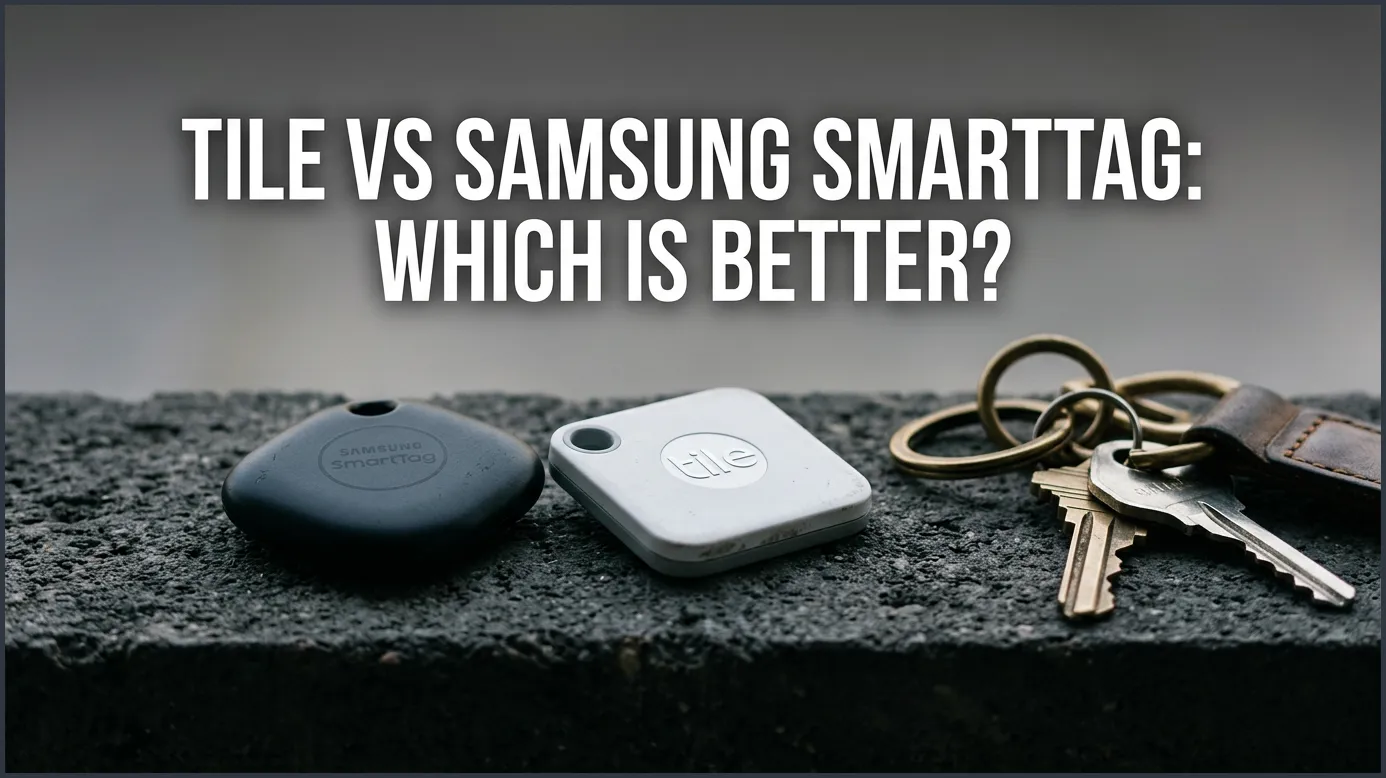
If you are shopping for a tracker, you have likely run into two giant names. Let us dive deep into the ultimate battle: Tile vs Samsung SmartTag: Which Is Better? We will look at how they work, how much they cost, and which one fits your daily life.
Key Takeaways
- Phone Compatibility: Samsung SmartTag only works with Samsung Galaxy devices, while Tile works on both iOS and Android.
- Network Strength: Samsung leverages millions of Galaxy devices for tracking, making its network much larger than Tile’s community-based network.
- Form Factors: Tile offers multiple designs, including slim card shapes for wallets, whereas Samsung focuses on a standard key fob design.
- Smart Home Integration: SmartTag can double as a smart home button to control lights or routines, a feature Tile lacks.
- Subscription Plans: Tile locks some basic features, like smart alerts, behind a premium paid subscription, while Samsung offers its core tracking tools for free.
📑 Table of Contents
Platform Compatibility and Ecosystem Lock-in
Before you buy a tracker, you must check your phone. This is the most important step. Not every tracker works with every phone.
The Cross-Platform Champion: Tile
Tile is the friendly neighbor of the tracker world. It does not care what phone you use. Do you have an iPhone? Tile works great. Do you have a Samsung, Google Pixel, or OnePlus? Tile works great there too. All you need is the Tile app. This makes Tile a highly flexible choice for families with different phone brands. If you swap your phone from Android to iOS next year, your Tile trackers will still work perfectly.
The Galaxy Exclusive: Samsung SmartTag
Samsung takes a very different path. The Samsung SmartTag, especially the newer SmartTag 2, only works with Samsung Galaxy devices. If you have an iPhone, you cannot use it. If you have a Motorola or Pixel phone, you cannot use it either. This limits its use. However, for Galaxy users, this exclusive bond is a major perk. It links deep into the Samsung ecosystem. The setup is fast, and the integration feels incredibly smooth.
Tracking Network and Real-World Range
Bluetooth trackers have a short direct range. Usually, this is about 200 to 400 feet. When your item is further away, you rely on other people’s phones to find it. This is called a crowd-sourced network.
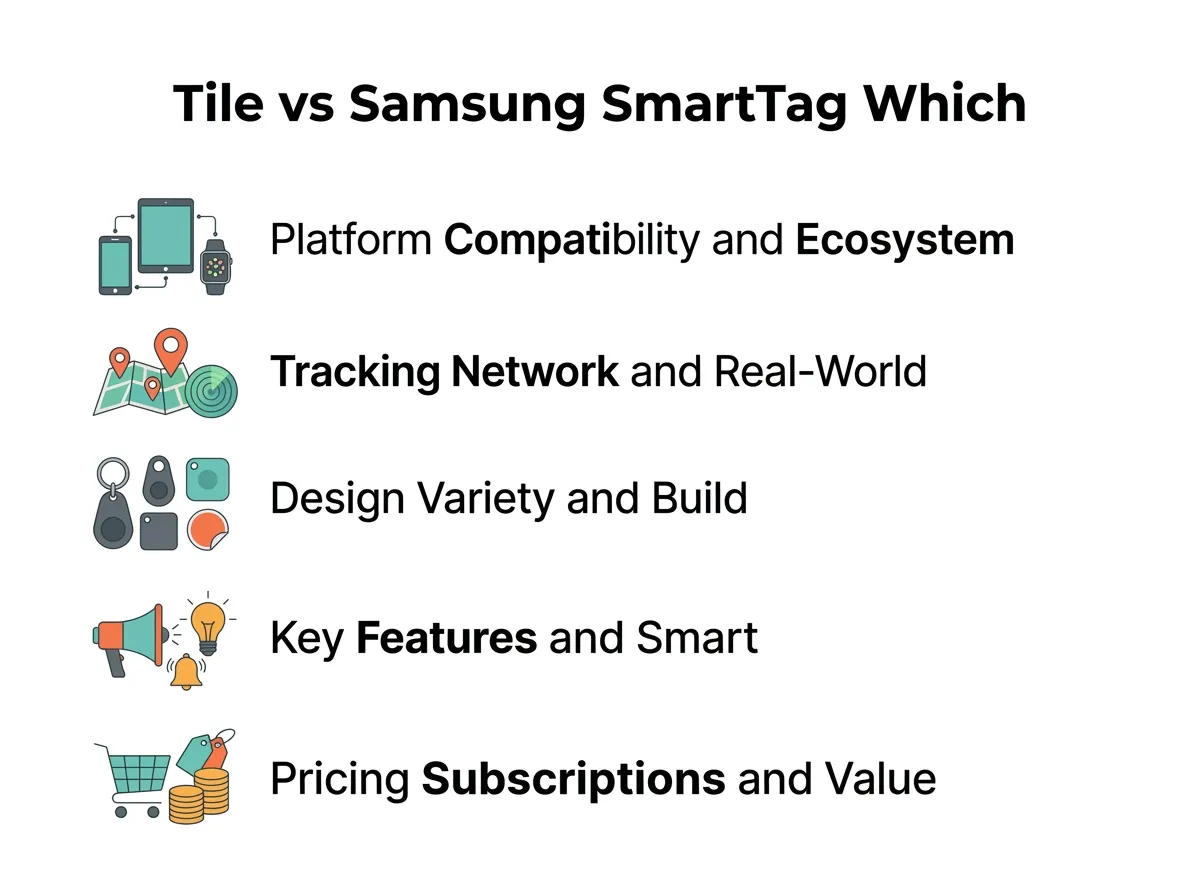
Tile vs Samsung SmartTag: Which Is Better? — key points at a glance
How the Tile Network Works
Tile relies on its own community of users. If you lose your keys in a park, another Tile user must walk past them. When they do, their phone secretly updates your key’s location. This works well in big, busy cities. But if you live in a quiet town or rural area, there might not be many Tile users nearby. You can read more about how these networks compare in this detailed Tile Pro vs Galaxy SmartTag comparison.
The Power of the Galaxy Network
Samsung uses its massive SmartThings Find network. This network does not require people to download a special app. Every modern Samsung Galaxy phone on earth can help find your lost tag. Since millions of people own Galaxy phones, this network is humongous. Your lost item is highly likely to be spotted quickly, even in less crowded spots. This huge network makes Samsung a very strong competitor in the world of the best Bluetooth trackers.
Design, Variety, and Build Quality
We attach trackers to different items. Therefore, shape and size matter a lot.
Tile’s Diverse Lineup
Tile shines bright when it comes to variety. They do not just make one key fob. They make several shapes. Let us look at the options:
- Tile Mate: The classic square with a keyhole.
- Tile Slim: A thin card that slides right into your wallet.
- Tile Sticker: A tiny, adhesive dot for remotes or bikes.
- Tile Pro: A tough, premium tracker with the longest range.
This variety means you can find a Tile for almost any object without buying extra cases.
The SmartTag 2 Design
Samsung went with a unique loop design for the SmartTag 2. It looks like a sleek key fob with a large ring hole. This ring makes it easy to hook onto keychains or bags. It has a tough build and holds up well against drops. However, Samsung does not offer a flat card version for wallets. If you want to slip a SmartTag into a tight wallet, it will cause a bulky bump. When comparing the Samsung Galaxy SmartTag 2 vs Tile Mate, the physical shape is often the deciding factor for many buyers.
Key Features and Smart Home Integration
Trackers do more than just beep. They have smart features that can make your life easier.
Ultra-Wideband (UWB) Precision Finding
Have you ever known your keys are in the living room, but you still cannot find them? Ultra-Wideband, or UWB, solves this. It gives you on-screen arrows that point right to your item. The Samsung SmartTag 2 has UWB. It guides you step-by-step with camera views. Most Tile models do not have UWB. They rely only on sound and Bluetooth strength. If you want pinpoint accuracy inside your house, Samsung wins here.
Smart Buttons and Automation
Samsung tags have a physical button with a hidden power. You can program this button to control your smart home. With a single click, you can turn off your bedroom lights. With a double click, you can turn on your smart plug. Tile also has a button, but it only does one thing: it rings your phone when you lose it.
Pricing, Subscriptions, and Value
Let us talk about money. Buying the tracker is just the first step. You must also think about ongoing costs.
The True Cost of Tile
Tile is affordable to buy upfront. But some of its best features are locked behind a paywall. To get “Smart Alerts”—which text you if you leave your keys behind—you must pay for Tile Premium. This costs a monthly or yearly fee. Without it, your Tile is much less proactive.
Samsung’s Free Feature Set
Samsung does not charge a subscription fee. You get all features out of the box for free. This includes left-behind alerts and smart home button mapping. This makes the SmartTag 2 a much better long-term value. You pay once, and you are done.
Final Verdict: Which One Should You Buy?
So, which tracker should you choose? The choice is actually quite simple. It comes down to your smartphone.
If you own a Samsung Galaxy phone, you should buy the Samsung SmartTag. Its giant network, smart home button, and free alerts make it the superior choice.
If you use an iPhone, a Google Pixel, or any other Android phone, you should buy a Tile. It offers excellent cross-platform support and great shapes like the Tile Slim. It will keep your items safe no matter what phone you carry.
Frequently Asked Questions
Does Samsung SmartTag work with iPhone?
No, the Samsung SmartTag is only compatible with Samsung Galaxy devices. It does not work with iPhones or other non-Samsung Android phones.
Does Tile require a paid subscription?
No, you can use Tile for free to track your items nearby. However, features like Smart Alerts and location history require a paid Tile Premium subscription.
Which tracker has a larger network?
Samsung SmartTag has a much larger network because it uses millions of Samsung Galaxy devices worldwide. Tile relies on a smaller network of users who have the Tile app installed.
Can I change the battery in these trackers?
Yes, both the Samsung SmartTag 2 and certain Tile models (like the Tile Pro) feature user-replaceable batteries. Some smaller Tile models, like the Tile Slim, have non-replaceable batteries that last up to three years.
What is UWB, and do both trackers have it?
UWB stands for Ultra-Wideband, which allows for precise, arrow-guided tracking on your screen. The Samsung SmartTag 2 has UWB, while most Tile models only use standard Bluetooth.
Can I use Tile on a Samsung phone?
Yes, Tile works perfectly on Samsung phones. You just need to download the free Tile app from the Google Play Store to set it up.
