

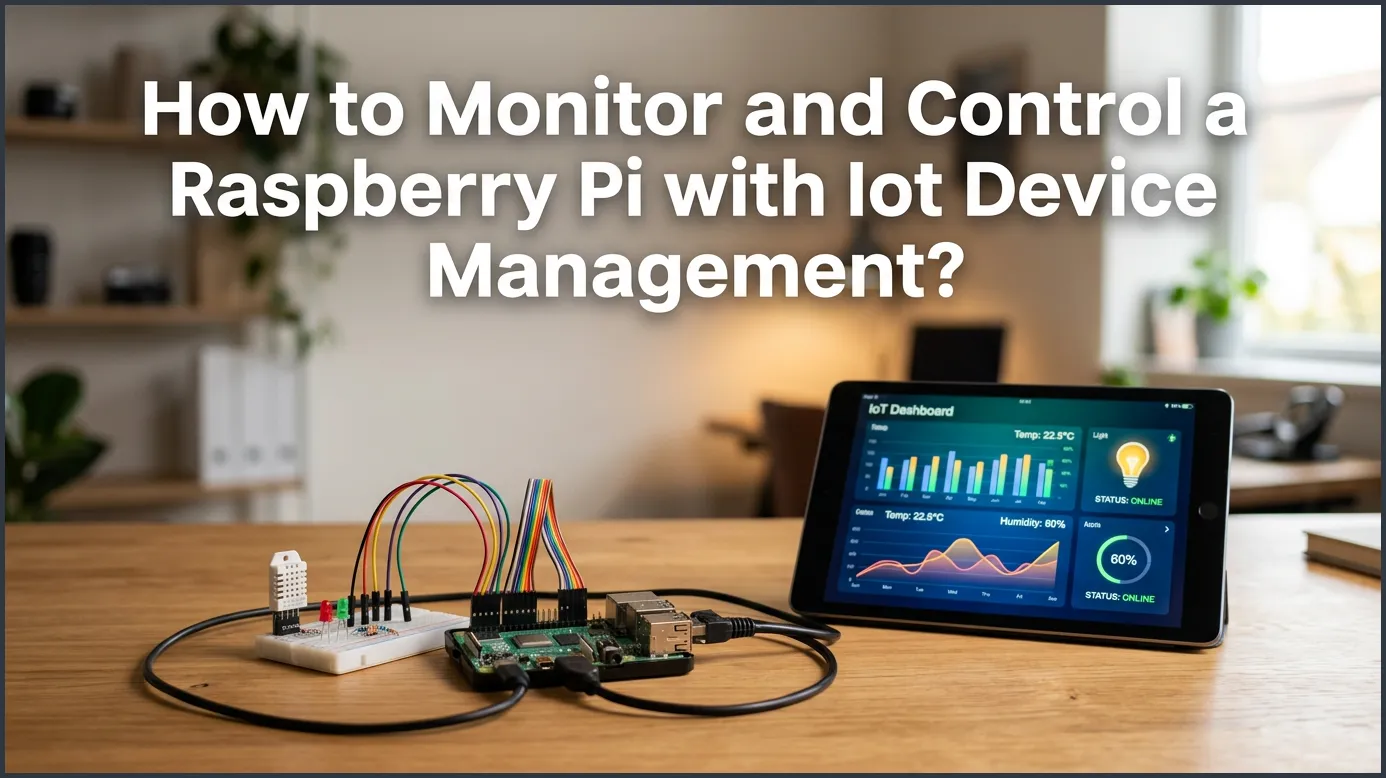
Managing remote Raspberry Pi boards is simple when you use the right cloud tools. By setting up a dedicated IoT device management platform, you can monitor system health, run updates, and control your devices from any web browser. This modern approach keeps your projects secure, online, and fully operational without physical effort.
Imagine you just built a smart weather station. You put your Raspberry Pi in a tight waterproof box. Then, you mounted it high on your roof. It works great for a few weeks, but suddenly it stops sending data. Do you really want to grab a tall ladder and climb up to your roof just to reboot it? What if you have ten or twenty of these boards spread across different cities? Driving to each location is a massive waste of time and money.
For any serious project, remote access is a must-have. If you want to know how to use a Raspberry Pi for IoT projects successfully, you need a way to reach your board from anywhere. In this guide, we will show you how to monitor and control your device without ever touching the hardware. Let us dive into the best practices for managing your remote hardware.
Key Takeaways
- Centralized Dashboard: You can manage and control all your Raspberry Pi boards from one single web interface.
- Real-Time Monitoring: Easily track vital metrics like temperature, RAM, and CPU usage to prevent system crashes.
- Secure Remote Access: Access your Pi terminal safely without setting up complex port forwarding on your router.
- Over-the-Air Updates: Push software patches and bug fixes to multiple remote devices with just a few clicks.
- Better Scale: Transition smoothly from managing a single hobby board to controlling thousands of remote devices.
- Improved Security: Protect your files and data with encrypted connections and automated security updates.
📑 Table of Contents
Why Local Device Management Fails for IoT Projects
Running a Raspberry Pi on your desk is simple. You can plug in a screen, a keyboard, and a mouse. You can write code and reboot the system in seconds. But once you deploy your Pi, local access becomes nearly impossible. It might sit behind a wall, inside a retail kiosk, or out in the field.
The Pain of Manual Software Updates
If you have to update twenty devices manually, the task is exhausting. You must log into each unit one by one. You have to type the same commands over and over. If you make a single typo, you could break the system. This manual approach does not scale as your project grows.
Firewalls and Network Barriers
Local SSH connections only work when you are on the same Wi-Fi network. If your Pi is at a friend’s house or a client’s office, you cannot reach it. Opening ports on a home router is very dangerous. It exposes your network to hackers who scan the internet for weak passwords.
What is IoT Device Management?
IoT device management is a cloud service that links your devices to a secure central hub. Instead of connecting directly to the Pi, you connect to a cloud platform. The platform then talks to your Pi. This system makes it easy to monitor and control your devices safely.
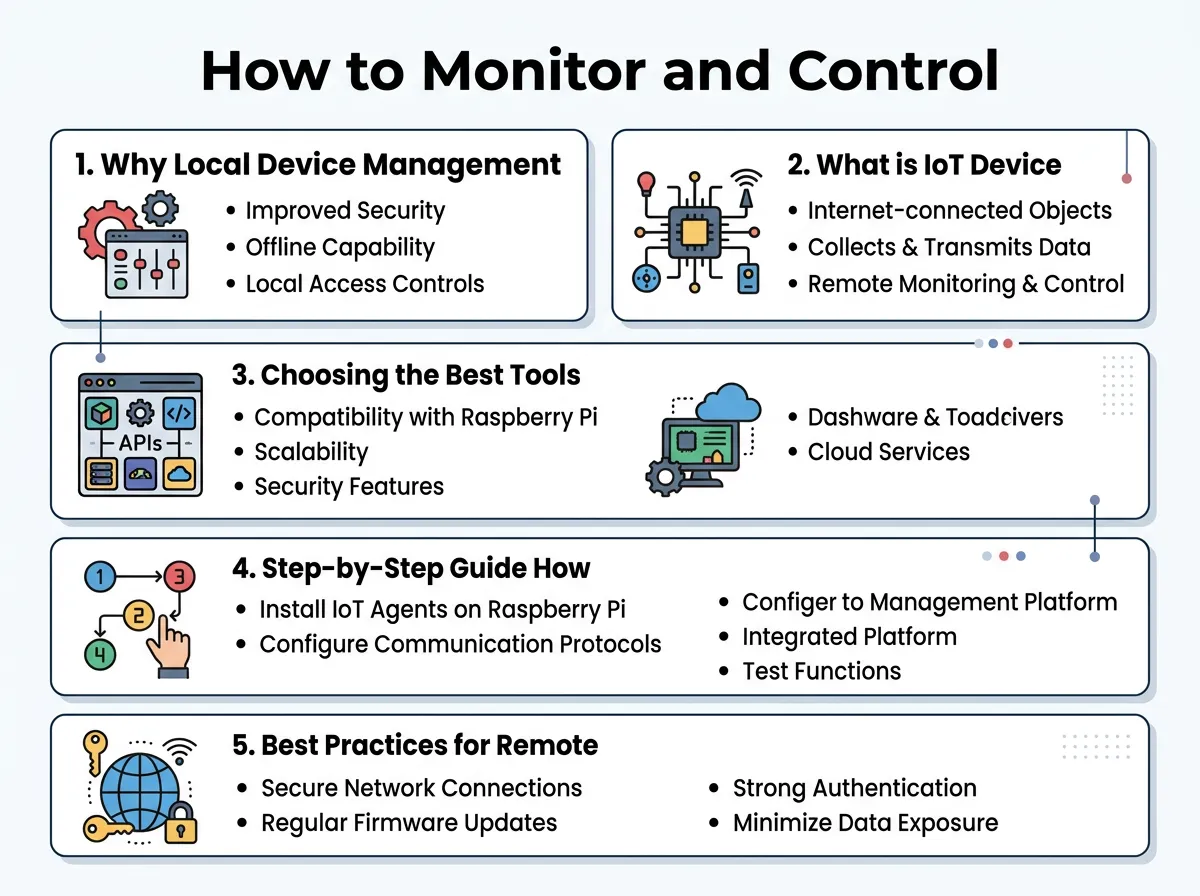
How to Monitor and Control a Raspberry Pi With IoT Device Management? — key points at a glance
The Device Agent
To start, you install a small software agent on your Raspberry Pi. This agent runs quietly in the background. It collects system data and sends it to your cloud dashboard. It also listens for commands that you send from the web portal.
Secure Outbound Tunnels
The agent uses secure outbound tunnels to talk to the cloud. This means your Pi initiates the connection. Because of this, you do not need to change firewall settings or set up complex port forwarding. Your Pi remains secure behind its local router.
Choosing the Best Tools for the Job
There are many software choices available today. When looking for the best remote IoT device management software, you should look for features that fit your specific project needs.
Key Features to Look For
A good platform should offer a clear visual dashboard. It should show real-time graphs of CPU load, memory usage, and storage space. You also want a built-in terminal. This lets you run commands right from your browser window without opening a separate terminal app.
Scalability and Pricing
Many platforms offer a free tier for hobbyists. This is perfect if you only have one or two boards. As you grow, look for tools that offer bulk management. This lets you group devices and send updates to hundreds of boards at the same time.
Step-by-Step Guide: How to Monitor and Control a Raspberry Pi With IoT Device Management?
Setting up your remote dashboard is quick and easy. You do not need to be a coding expert to get started. Just follow these simple steps to bring your board online.
Step 1: Set Up Your Raspberry Pi
First, write a fresh OS image to your SD card. Boot up your Pi and connect it to the internet. Make sure you have terminal access for this initial setup phase.
Step 2: Sign Up for a Management Platform
Pick a service that suits your needs. Many users choose platforms like QBee or Mender. You can read this guide on Raspberry Pi device management to learn about the different options and setup paths.
Step 3: Install the Agent on Your Pi
Once you make an account, the platform will give you a unique setup script. Copy this script. Open your Pi terminal, paste the script, and press enter. The script will download the agent, install it, and link it to your account.
Step 4: Check Your Web Dashboard
Now, log into your cloud account on your phone or laptop. You will see your Raspberry Pi appear on your device list. This allows you to remote monitor Raspberry Pi health from any location with internet access.
Best Practices for Remote Pi Management
Managing remote hardware requires a focus on security and reliability. Here are a few tips to keep your fleet running without issues.
Keep Your OS Updated
Do not let your devices run old software. Use your management portal to schedule weekly security updates. This protects your network from new online threats.
Watch Your Storage Health
Raspberry Pi boards use micro SD cards to store files. These cards can wear out if you write too much data to them. Keep an eye on your disk space usage. If you see disk usage spiking, check your app logs to see what is writing to the card.
Conclusion
Knowing How to Monitor and Control a Raspberry Pi With IoT Device Management? is a vital skill for modern creators. It takes the stress out of hardware projects. You no longer have to worry about physical access, broken connections, or manual updates. With a secure cloud dashboard, you can keep your Raspberry Pi healthy and online from anywhere in the world.
Frequently Asked Questions
Do I need a static IP address to manage my Pi remotely?
No, you do not need a static IP address. The IoT management agent on your Pi connects directly to the cloud hub, which bypasses the need for local IP configurations.
Can I manage multiple Raspberry Pi boards at the same time?
Yes, most IoT device management platforms allow you to control hundreds of boards from a single dashboard. You can group them and send updates to all of them at once.
Is remote IoT device management secure?
Yes, it is highly secure because it uses encrypted outbound tunnels. You do not have to open ports on your router, which keeps your local network safe from external attacks.
What metrics can I monitor on my Raspberry Pi?
You can monitor CPU usage, RAM levels, disk space, and system temperature. Many platforms also let you monitor custom application logs and network signal strength.
Will this setup work over a cellular connection?
Yes, IoT device management works perfectly over cellular data, Wi-Fi, or Ethernet. The agent is designed to use minimal bandwidth, making it ideal for mobile data plans.
Can I access the command line of my Pi remotely?
Yes, most platforms feature a built-in remote shell tool. This lets you open a secure terminal session in your web browser to run commands as if you were sitting next to the device.
