

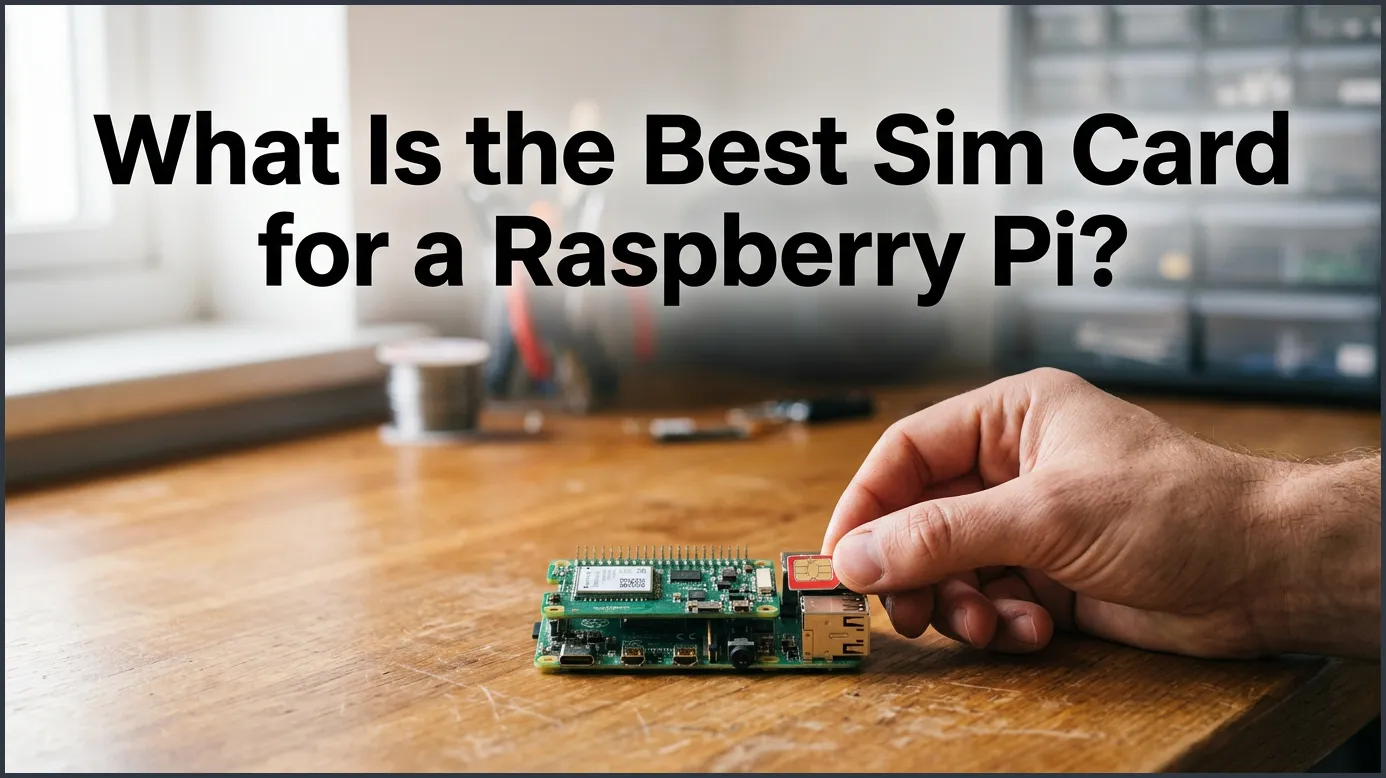
The best SIM card for a Raspberry Pi depends on your project’s data needs, but IoT-specific SIMs like Hologram, Soracom, or EMnify are generally the top choices. These providers offer pay-as-you-go pricing, multi-network roaming, and easy-to-use developer tools. For high-bandwidth applications, a standard prepaid consumer SIM from carriers like T-Mobile or Vodafone might be more cost-effective.
Imagine you just built a remote weather station. Or maybe you made a cool GPS tracker for your car. You want to place your project out in the wild. But there is a big problem. There is no Wi-Fi network nearby. Your project cannot connect to the internet. How do you send your data back home? This is where cellular data comes to the rescue. By using a SIM card, your Pi can talk to the internet from almost anywhere. It can send sensor readings, track locations, or even upload photos from a remote camera.
But when you start looking for a cellular plan, you might get confused. Should you use your spare phone SIM card? Or should you buy a special card designed for smart devices? Finding the answer to What Is the Best SIM Card for a Raspberry Pi? depends on a few key things. You need to look at how much data you will use. You must also think about coverage, costs, and hardware setup. In this guide, we will break down all your choices to help you pick the perfect SIM for your next build.
Key Takeaways
- IoT SIMs are Best for Remote Projects: IoT-specific SIM cards offer robust multi-network roaming, meaning your Raspberry Pi automatically connects to the strongest available cellular network.
- Consumer SIMs Work for High Data: If you are streaming video or downloading large files, a standard prepaid smartphone SIM card from a major carrier will save you money.
- Hardware is Required: A Raspberry Pi does not have a built-in cellular modem; you must use a compatible USB dongle or a specialized cellular HAT.
- Always Set Data Limits: Always configure alerts and limits with your network provider to prevent run-away background processes from causing massive bills.
- APN Setup is Crucial: Your cellular hardware will not connect to the internet until you manually configure the Access Point Name (APN) in your Pi’s operating system.
📑 Table of Contents
Why Use a SIM Card on Your Raspberry Pi?
Going Beyond Wi-Fi and Ethernet
Most people connect their Raspberry Pi to a home Wi-Fi network. It is easy and fast. But Wi-Fi keeps your project stuck in one place. If you want to build a truly mobile device, you need a mobile network. A SIM card lets your Pi connect to cellular towers. This means your project can work in a park, in a moving car, or deep in the woods. It gives your projects ultimate freedom.
Perfect Use Cases for Cellular Pi Projects
There are many amazing projects that benefit from cellular data. For example, remote weather monitors need to send small updates every hour. GPS trackers need to update their location in real-time. Wildlife cameras can send photos when they detect movement. For community troubleshooting and real-world configurations, check out the discussions on the Raspberry Pi forums cellular setup thread to see what other builders are doing. These mobile projects all rely on stable cellular connections.
IoT SIMs vs. Consumer SIMs: Which Is Right for You?
What is an IoT SIM Card?
An IoT (Internet of Things) SIM card is built for smart machines. These SIM cards do not work like normal phone SIMs. They are designed to send small packets of data over long periods. One of the best things about IoT SIMs is roaming. A normal SIM only connects to one carrier. An IoT SIM can connect to many different networks. If one network has a weak signal, the SIM automatically switches to a stronger one. This is super helpful if your Pi is moving around.
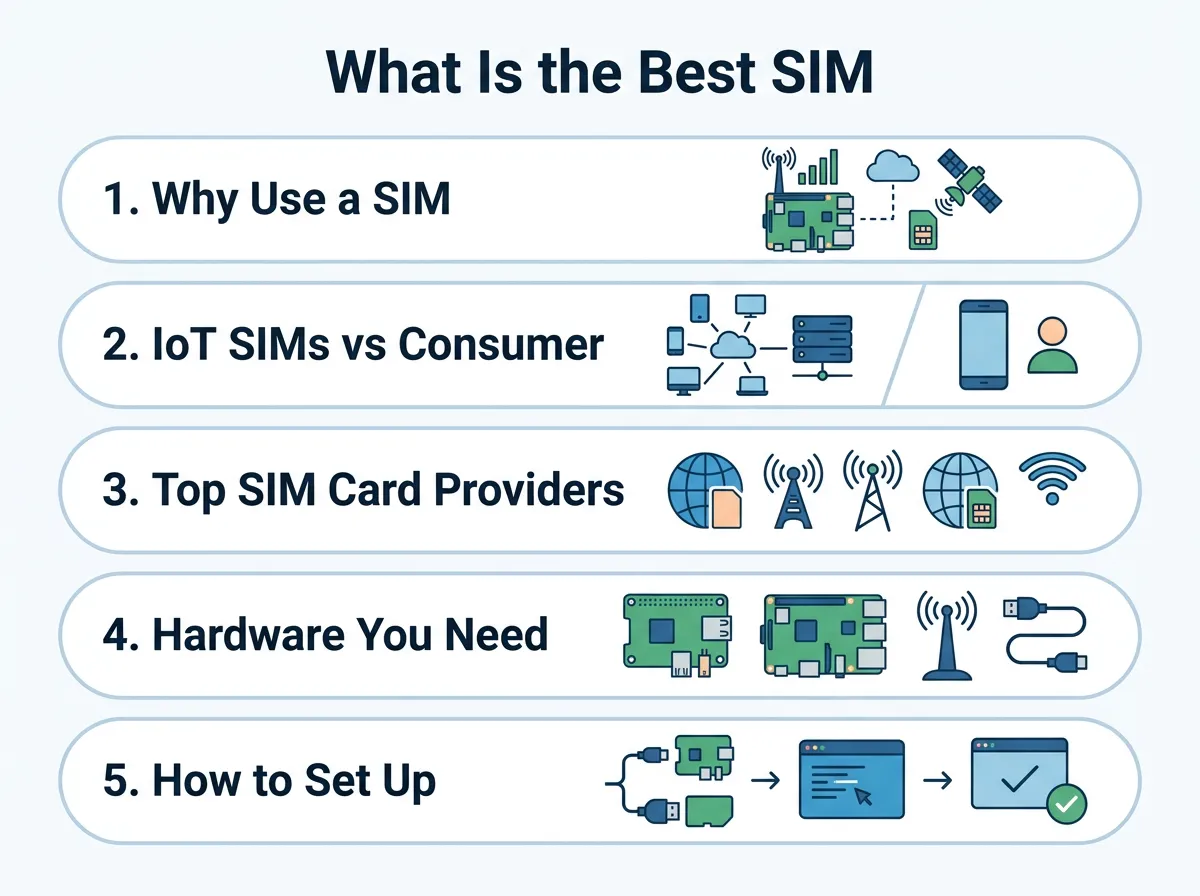
What Is the Best SIM Card for a Raspberry Pi? — key points at a glance
What is a Consumer SIM Card?
A consumer SIM card is the kind you put in your smartphone. You buy them from carriers like T-Mobile, AT&T, or Vodafone. These cards are great for downloading large files or streaming video. If your Pi project needs to stream high-definition video, a consumer SIM is best. However, they can be expensive if you only use a tiny bit of data. They also do not switch networks if you lose signal from your main carrier.
Top SIM Card Providers for Raspberry Pi
Hologram IoT
Hologram is one of the most popular choices for makers. They offer a global IoT SIM card that works in over 190 countries. It can connect to hundreds of different cellular networks. The best part is their developer-friendly dashboard. You can monitor how much data your Pi uses in real-time. Hologram offers a pay-as-you-go plan. This means you only pay for the exact amount of data you use. It is a fantastic option when deciding What Is the Best SIM Card for a Raspberry Pi? for small projects.
Soracom
Soracom is another giant in the IoT space. They provide excellent global coverage and have great tools for developers. Soracom makes it easy to link your Pi directly to cloud services like AWS or Google Cloud. Their plans are very cheap if you only send small text messages. They also have a very active community of developers who share their setups online.
Standard Prepaid SIMs
Sometimes, an IoT SIM is not the right fit. If your project needs to upload gigabytes of data, look at standard prepaid SIMs. You can buy a cheap prepaid card from a local shop. These plans often give you unlimited data for a fixed monthly fee. This is much cheaper than paying per megabyte on an IoT plan. Just make sure the carrier has good coverage in the area where your Pi will live.
Hardware You Need to Use a SIM Card
Cellular HATs (Hardware Attached on Top)
A Raspberry Pi does not have a built-in SIM card slot. You need extra hardware to connect to cellular networks. The cleanest way to do this is with a cellular HAT. A HAT sits directly on top of your Pi’s GPIO pins. It contains a cellular modem and a slot for your SIM card. Some HATs also include GPS chips. If your project only needs to send tiny bits of data every few hours, you can look into the SIM7028 NB-IoT HAT for Raspberry Pi to save power and money. These HATs keep your build neat and compact.
USB Dongles and Modems
If you do not want to use a HAT, a USB modem is a great alternative. These look like large USB thumb drives. You just plug them into one of the USB ports on your Pi. They are very easy to set up and highly reliable. If you want to use a USB dongle, you can follow this detailed guide on how to connect Raspberry Pi to cellular with Huawei E303 modem modules. It is a very simple way to get online quickly.
How to Set Up Your SIM Card on Raspberry Pi
Step 1: Connecting Your Hardware
First, make sure your Raspberry Pi is powered off. Insert your SIM card into your HAT or USB modem. Attach the cellular antenna to your hardware. This step is very important. Without an antenna, your hardware might get damaged when it tries to find a signal. Once everything is plugged in, turn on your Raspberry Pi.
Step 2: Configuring the APN (Access Point Name)
To connect to the internet, your Pi needs to know where to go. This is done by setting the APN. Every network provider has a unique APN. For example, Hologram uses the APN “hologram”. You will need to edit your network settings on the Pi to add this name. You can usually do this using terminal tools like NetworkManager or WVDial. Once the APN is saved, your modem will know how to talk to the cell towers.
Step 3: Testing the Connection
After setting the APN, it is time to test. Open your terminal and try to ping a website. You can type “ping google.com” into the terminal. If you see replies, your Pi is officially connected to the internet via cellular data! If it fails, double-check your APN spelling and ensure your antenna is tightly connected.
Tips to Save Data and Reduce Costs
Optimize Your Payload
Cellular data can get expensive if you are not careful. To save money, make your data packets as small as possible. Do not send long, messy text files. Use simple JSON formats or binary protocols. If you only send the essential numbers, your bill will stay very low.
Set Up Data Alerts
Most IoT SIM providers let you set up alerts. You can get an email if your Pi uses more data than expected. This is a life-saver if your code gets stuck in a loop and sends too many messages. Always set a hard limit on your data usage to avoid surprise bills.
Conclusion
So, What Is the Best SIM Card for a Raspberry Pi? The answer comes down to your project’s unique needs. If you are building a low-data tracker or sensor, go with an IoT SIM like Hologram or Soracom. They offer amazing global roaming and keep costs very low. If you are building a media-heavy system, a prepaid consumer SIM is your best bet. Grab your hardware, pick your SIM, and start building your mobile Pi project today!
Frequently Asked Questions
Can I use my phone’s SIM card in a Raspberry Pi?
Yes, you can use a standard phone SIM card in your Raspberry Pi. However, you will need a USB modem or a cellular HAT to hold the card and connect to the network. Also, make sure your mobile carrier allows data sharing on other devices.
Do I need a special operating system to use a SIM card?
No, you do not need a special operating system. The standard Raspberry Pi OS supports cellular modems and HATs perfectly. You will only need to install a few software tools to configure the APN settings.
What is an APN and why does it matter?
APN stands for Access Point Name. It acts as a gateway between the cellular network and the internet. Your Raspberry Pi needs the correct APN settings to know which network to connect to and how to route data.
How much data does a Raspberry Pi use over cellular?
This depends entirely on your project. A simple temperature sensor might only use a few megabytes per month. A security camera streaming live video can easily consume several gigabytes of data in just a few hours.
Can a Raspberry Pi send SMS text messages using a SIM card?
Yes, a Raspberry Pi can send and receive SMS text messages. You can use command-line tools like Gammu to send texts through your cellular HAT or USB modem. This is a great way to receive instant alerts from your project.
Do cellular HATs support 5G networks?
Some newer, high-end cellular HATs do support 5G networks. However, most common and affordable HATs support 4G LTE or NB-IoT networks. For most projects, 4G speeds are more than fast enough and the hardware is much cheaper.
