


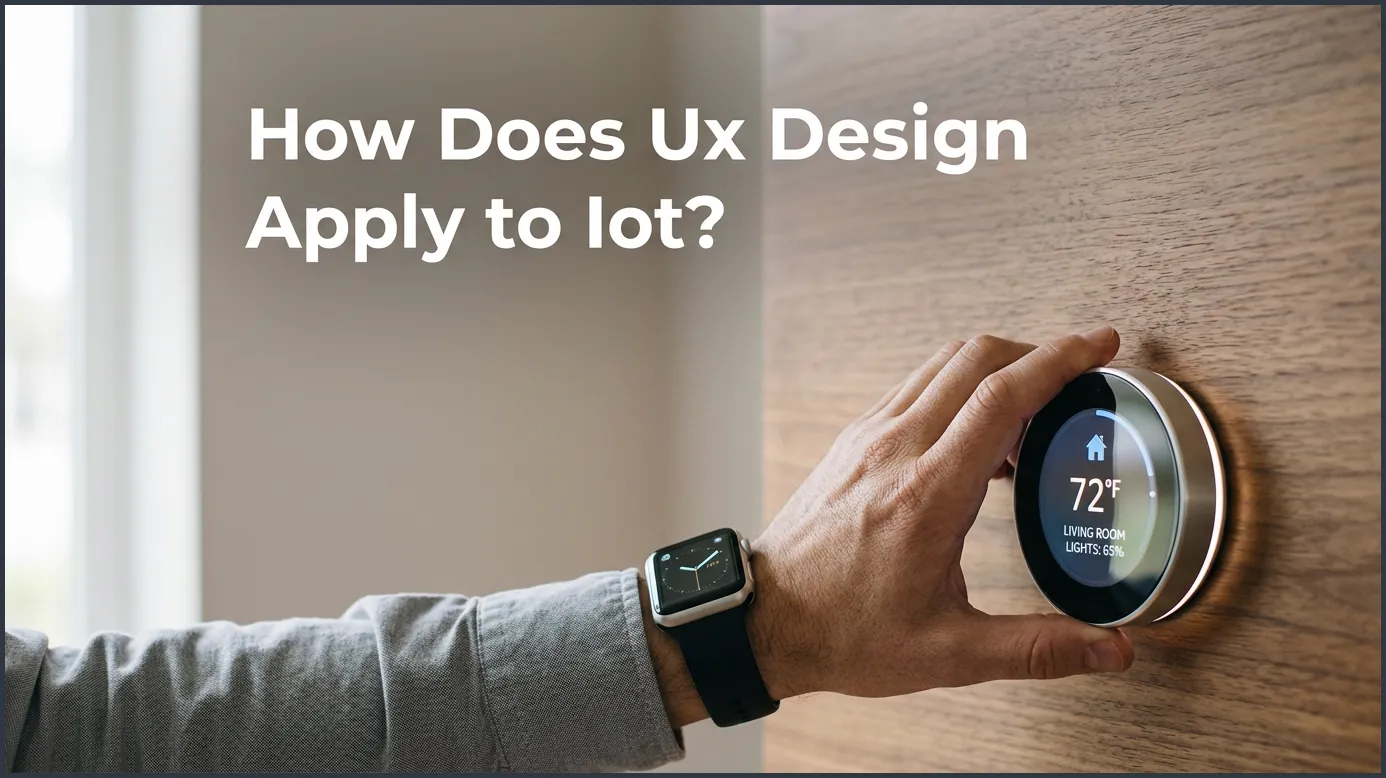
UX design applies to IoT by bridging the gap between physical hardware and digital interfaces, ensuring that complex, multi-device ecosystems are easy and intuitive to use. By focusing on interoperability, system feedback, and context-aware interactions, UX designers transform overwhelming smart data into simple, everyday experiences. Ultimately, great UX is what turns a collection of scattered smart gadgets into a unified, helpful ecosystem.
Key Takeaways
- Ecosystem Thinking: IoT UX design focuses on how multiple devices connect and work together, not just one single screen.
- Physical-Digital Harmony: Designers must balance the look and feel of physical objects with their digital applications.
- Frictionless Onboarding: Setting up IoT devices must be quick, simple, and error-free to prevent user abandonment.
- Contextual Awareness: Smart systems should adapt to the user’s environment, habits, and physical location.
- Trust and Security: Good UX builds trust by showing clear privacy settings and real-time system status.
- Data Simplification: Translating complex sensor data into clear, actionable insights makes the system truly useful.
📑 Table of Contents
Introduction
Imagine coming home after a long day. As you walk up to your front door, it unlocks automatically. The hallway lights turn on. Your favorite music starts to play. The thermostat sets itself to a cozy temperature. This sounds like magic. In reality, it is the Internet of Things (IoT) in action.
But what happens if the door fails to unlock? What if the light app crashes? Suddenly, the magic turns into a headache. This is where user experience design steps in. You might ask yourself, how does UX design apply to IoT? It is the secret bridge between complex hardware and human lives.
In this article, we will explore this topic in detail. We will look at why smart devices need good design. We will discuss the unique challenges of connected products. Finally, we will share practical tips to make smart tech easy for everyone.
What is IoT UX Design Anyway?
To understand how UX design applies to IoT, we must first look at what makes IoT different. Traditional UX focuses on a single screen. This could be your phone or your computer. You tap a button, and something happens on that same screen. With IoT, things are different. IoT stands for the Internet of Things. It is a network of physical devices. These devices talk to each other and to the internet. They collect data and perform tasks.
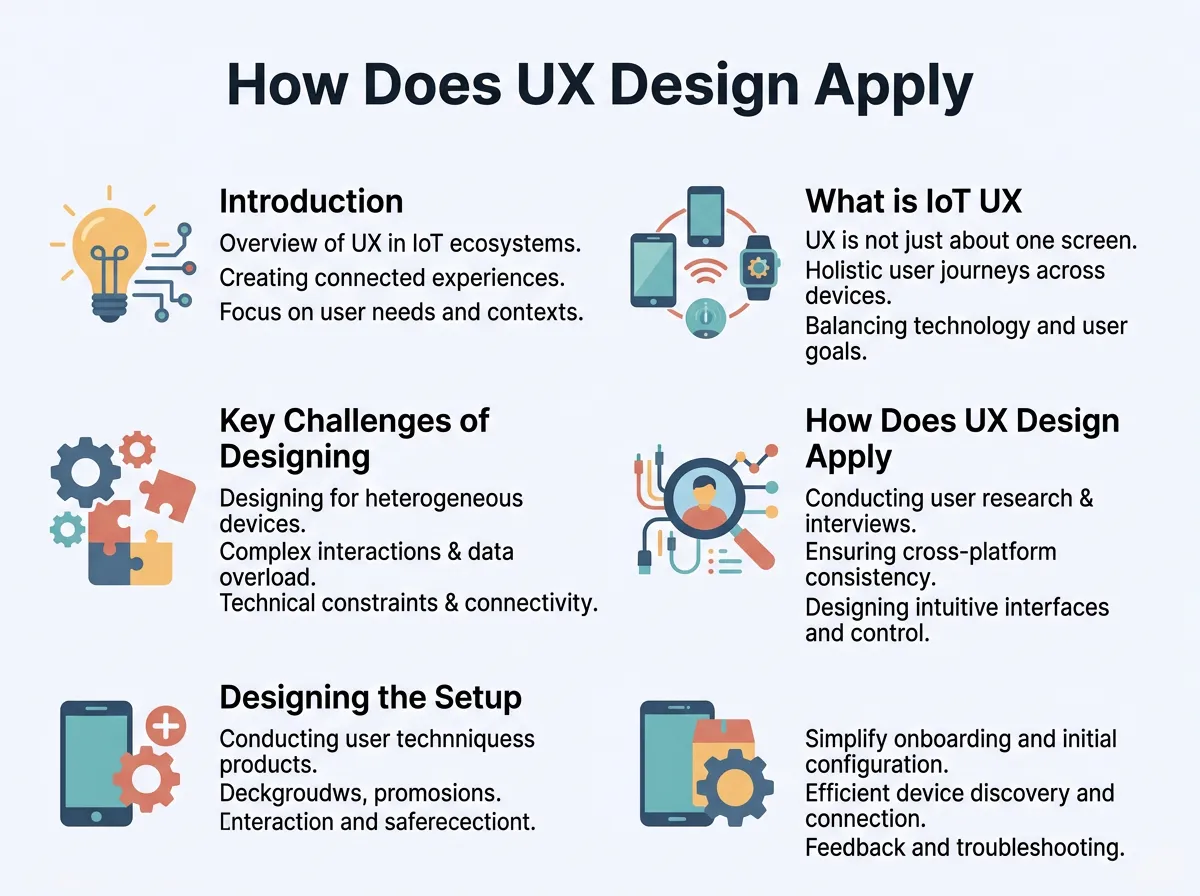
How Does UX Design Apply to IoT? — key points at a glance
The Multi-Device Ecosystem
Designing for IoT is not just about one screen. It is about a whole system. You might control a smart bulb with a phone app. But you might also use a wall switch. Or you might use your voice. The UX designer must think about all these touchpoints. They have to make sure the transition between them is smooth. Learning about UX design for the Internet of Things is key to mastering this new space.
Physical and Digital Worlds Meet
When thinking about how UX design applies to IoT, we must remember that the digital world meets the physical world. A smart plug has a physical button. It also has a light that blinks. It also has an app. The UX designer must design both the physical shape and the digital screens. They must work together perfectly. If the physical button feels cheap, the whole product feels bad. If the app is hard to use, the physical plug is useless.
Key Challenges of Designing for IoT
Designing for connected systems is hard. There are many moving parts. Here are the biggest challenges that UX designers face in this field.
Interoperability Issues
Many smart devices do not speak the same language. Your smart lock might not talk to your smart lights. This makes life hard for the user. How does UX design apply to IoT here? Designers must create interfaces that hide this complexity. They must make different brands feel like they belong to the same family.
Network Latency and Delay
When you tap a button on your phone, you expect instant action. But with IoT, signals must travel to the cloud. Sometimes, there is a delay. A delay of even two seconds can make a user think the device is broken. UX designers must solve this. They can use progress bars, sounds, or visual cues. These cues tell the user that the system is working. Understanding user experience in a connected world helps designers tackle these latency issues.
Multiple Users and Roles
A smartphone is a personal device. It belongs to one person. An IoT device, like a smart thermostat, belongs to a home. Many people use it. Guests use it too. Children and grandparents use it. UX designers must design for all these different users. The interface must be simple enough for a guest but powerful enough for the home owner.
How Does UX Design Apply to IoT? The Core Principles
Now let us look at the core principles. How does UX design apply to IoT in practice? Here are the main ways designers make smart devices easy to use.
Context is King
In IoT, context is everything. Designers must ask: Where is the user? What are they doing? Are they driving? Are they cooking? A smart fridge should not send a long text alert while you are driving. It should send a simple voice note instead. UX design in IoT is about delivering the right information at the right time.
Feedback and Status Updates
Smart devices often do things in the background. Your smart sprinkler might turn on at night. Your robot vacuum might clean when you are out. Because you cannot see these actions, you need feedback. UX designers create status dashboards. These dashboards show what the devices are doing. They also show if there is a problem.
Zero UI and Voice Control
Sometimes, the best interface is no interface at all. This is called Zero UI. Instead of screens, we use voice, gestures, or sensors. Think about smart speakers. You talk to them. There is no screen to touch. Designers must write clear voice scripts. They must predict what users will say. This is a big part of how UX design applies to IoT.
Designing the Setup and Onboarding Experience
The first impression is vital. If a user cannot set up a device, they will return it. This is another area where we see how UX design applies to IoT in a hands-on way.
The Out-of-Box Experience
The journey starts when the user opens the box. The quick start guide must be very clear. UX designers often create step-by-step setup flows in the app. They use animations to show how to plug in the device. They guide the user through connecting to Wi-Fi.
Simplifying Wi-Fi Pairing
Connecting a device to Wi-Fi can be painful. This is a common point of failure. UX designers try to make this painless. They might use Bluetooth to find the device automatically. They might use QR codes. Reducing the number of steps is the main goal. To learn more about this process, you can read about UI and UX design for IoT systems.
Building Trust and Security Through UX
Trust is a major issue with IoT. People worry about their privacy. They worry about hackers. They worry about cameras in their homes. UX design plays a huge role in building this trust.
Transparency is Key
Users need to know what data is being collected. They need to know who has access to it. UX designers create clear privacy settings. They avoid long, boring legal texts. Instead, they use simple language. They explain why the device needs certain permissions. For example, why does a smart light need your location? It needs it to turn on at sunset. Explaining this builds trust.
Handling Errors Gracefully
Devices will disconnect. Batteries will die. When things go wrong, the system must help the user. It should not show a cryptic error code. It should offer clear solutions. It should say, “Your router is offline. Please check your internet connection.” This is how designers are enhancing IoT impact through superior UX design today.
Practical Tips for IoT UX Designers
Are you designing an IoT product? Here are some quick, practical tips to keep in mind:
- Keep it simple: Do not overload the user with too many features. Focus on the core tasks.
- Design for offline: What happens when the internet goes down? Make sure the device still functions basic tasks physically.
- Test with real users: Do not just test on a computer. Test in real-world environments. Test in noisy rooms or in low light.
- Use clear labels: Avoid tech jargon. Use terms that everyday people understand.
- Prioritize safety: Ensure that smart locks or alarms have physical backups. Safety should never rely solely on an app.
Conclusion
So, how does UX design apply to IoT? It applies by putting the human first. IoT is not just about cool gadgets and fast chips. It is about making people’s lives easier and safer.
Without good UX, smart devices are just expensive toys. They can cause frustration and stress. But with great UX, they become seamless tools. They blend into our lives. They save us time and energy. As the world gets smarter, the role of the UX designer will only grow. Designers are the ones who turn complex technology into everyday magic.
Frequently Asked Questions
What is the role of UX in IoT?
UX in IoT connects physical devices with digital controls to make smart systems easy to use. It focuses on how devices interact with users and each other. The goal is to make these interactions simple, fast, and helpful.
Why is onboarding important for IoT products?
Onboarding is crucial because connecting physical hardware to Wi-Fi and apps can be hard for users. A bad setup experience often leads to returned products and bad reviews. Good onboarding makes this first step quick and stress-free.
What does Zero UI mean in IoT design?
Zero UI refers to interfaces that do not rely on traditional screens. Instead, users control devices through voice, physical movements, or automatic sensors. This creates a more natural and hands-free experience.
How does network delay affect IoT UX?
Network delay, or latency, can make a user think a device is broken if it does not react immediately. UX designers solve this by adding visual or audio cues to show that the system is processing the request. This keeps the user informed and prevents frustration.
How can designers build trust in smart home systems?
Designers build trust by being transparent about data collection and using clear privacy settings. They should explain why a device needs certain permissions in simple terms. Giving users control over their data also helps build peace of mind.
Is physical design part of IoT UX?
Yes, physical design is a huge part of the overall user experience. The feel of buttons, the weight of the device, and the indicator lights must align with the digital app. A seamless blend of physical and digital design is key for IoT success.
