

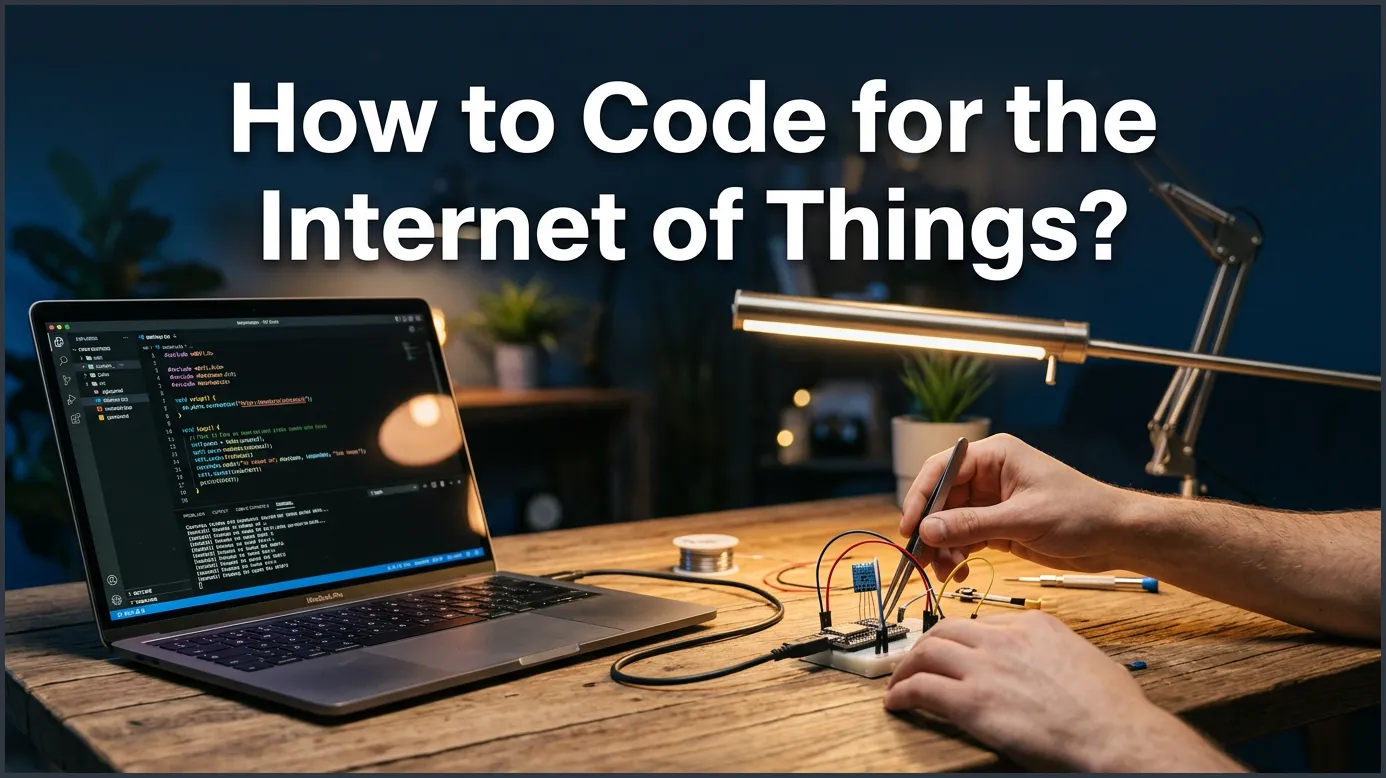
Coding for the Internet of Things involves writing software that lets physical devices collect data, talk to the cloud, and act on user commands. To get started, you must select the right hardware like Arduino, pick a suitable language like C++ or Python, and write code to control sensors and actuators. This guide walks you through every step to help you build your very first smart, connected project from scratch.
Imagine waking up in the morning. Your alarm clock rings, and it immediately tells your coffee maker to start brewing. As you walk into the kitchen, the lights turn on by themselves, and the thermostat adjusts to your favorite temperature. This is not science fiction. It is the reality of our connected world. Today, billions of smart devices talk to each other every single second. But have you ever wondered how these devices actually work? How do they know what to do?
The secret lies in the code. Programming smart devices might seem like a job only for space scientists, but it is actually much simpler than you think. Anyone with a bit of curiosity and a computer can learn how to build and program these systems. If you want to dive into this exciting world, learning how to code for the Internet of Things is the perfect place to start your journey.
In this guide, we will break down the process into easy, bite-sized steps. We will look at the basic hardware you need, the best programming languages to learn, and how to write your very first lines of code. By the end, you will have a clear path to turn your creative ideas into real, connected gadgets.
Key Takeaways
- Understand the Stack: IoT development requires knowing how hardware, software, and cloud networks talk to each other.
- Pick Your Hardware: Start with simple, beginner-friendly boards like Arduino or Raspberry Pi to learn the basics safely.
- Choose the Right Language: Use C or C++ for low-level hardware control, and Python or JavaScript for quick cloud integration.
- Focus on Protocols: Master data transfer protocols like MQTT and HTTP to send sensor data to the cloud efficiently.
- Keep Security in Mind: Always secure your IoT devices by using encrypted connections and changing default passwords.
- Learn with Small Projects: Build simple projects like a smart thermometer before moving on to complex automation systems.
📑 Table of Contents
Understanding the Core of IoT Architecture
Before you write a single line of code, you need to understand how these devices talk. Think of an IoT system like the human body. It needs senses to feel the world, a brain to think, and a voice to speak. In the tech world, we split this into three simple layers. Understanding these layers is key to learning how to code for the Internet of Things successfully.
The Hardware Layer
The hardware layer is the physical body of your device. It includes microcontrollers, sensors, and actuators. Sensors are the eyes and ears. They measure things like temperature, light, motion, or moisture. Actuators are the hands and feet. They do things like spin motors, turn on lights, or open valves. Your code will tell the controller how to read the sensors and control the actuators.
The Connectivity Layer
Once your device gets data, it needs a way to share it. This is where the connectivity layer comes in. Devices can use Wi-Fi, Bluetooth, Zigbee, or cellular networks to send data. If you want to learn the basics of connecting devices, you can explore interactive guides like the IDEW IoT documentation to see how networks handle information. Your code will manage these connections, formatting data so it can travel safely across the web.
The Cloud and Software Layer
Finally, the data arrives at its destination, which is usually a cloud server or a mobile app. Here, the data is saved, analyzed, and shown on a screen. If your smart thermometer detects a high temperature, the cloud can send an alert to your phone. Writing code for this layer means building the web services and apps that users interact with daily.
Choosing Your First IoT Hardware
To start coding, you need physical hardware to practice on. Buying the right board makes learning how to code for the Internet of Things a fun and smooth experience. Let’s look at the three most popular options for beginners.
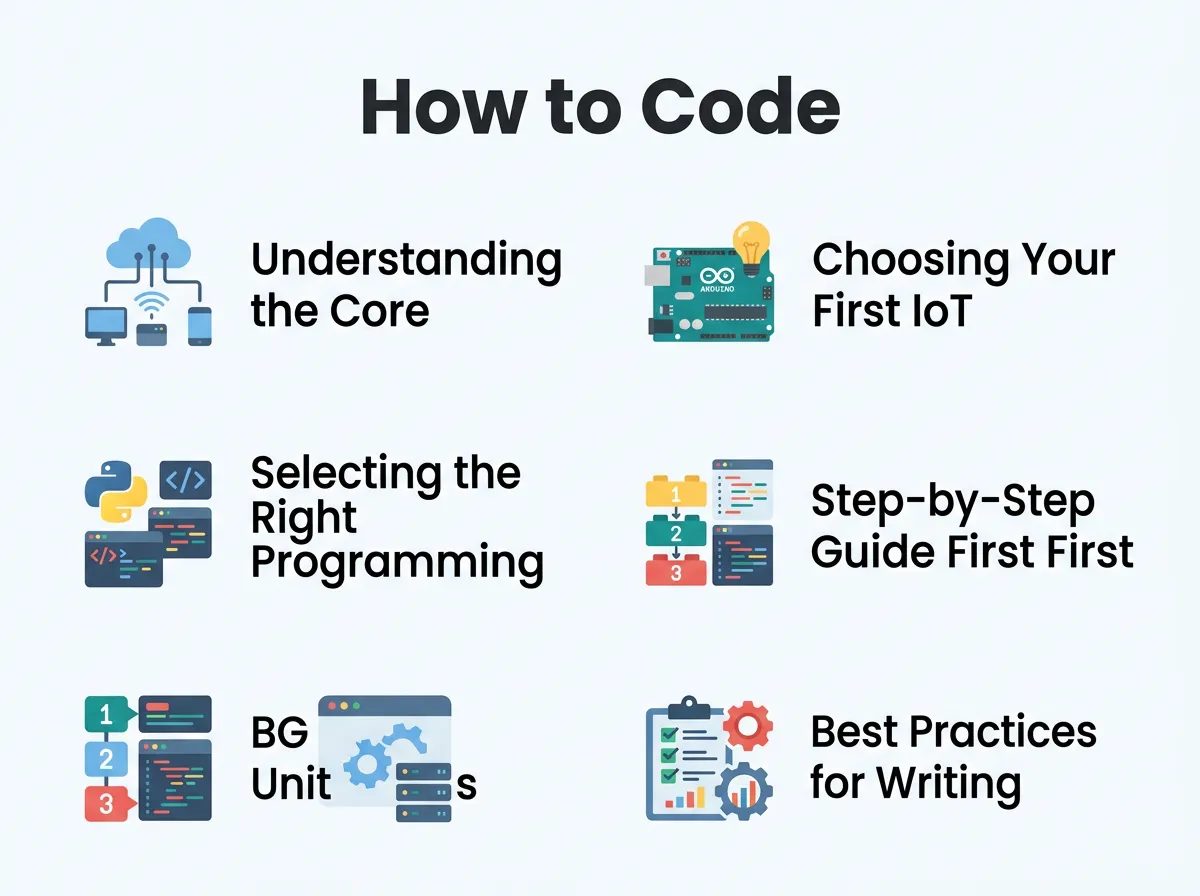
How to Code for the Internet of Things? — key points at a glance
Arduino: Great for Electronics Beginners
Arduino is the gold standard for learning electronics. These tiny boards are cheap, tough, and very easy to program. The Arduino IDE uses a simplified version of C++, which helps you learn the core concepts of coding quickly. Arduino is perfect if you want to build projects like smart plant waterers or simple security systems.
Raspberry Pi: The Mini-Computer
Unlike Arduino, a Raspberry Pi is a complete computer. It runs a full operating system, usually Linux. It has USB ports, HDMI outputs, and massive processing power. You can plug in a mouse, keyboard, and monitor directly. If your project needs complex tasks like face recognition or heavy database management, the Raspberry Pi is your best bet.
ESP8266 and ESP32: Built-in Wi-Fi Masters
If you want to build cheap, connected projects, look no further than the ESP series. These tiny chips cost only a few dollars but come with built-in Wi-Fi and Bluetooth. They can be programmed using the Arduino software. They are the perfect choice when you want to learn how to code for the Internet of Things without spending a lot of money on expensive network shields.
Selecting the Right Programming Languages
There is no single language for smart devices. The language you choose depends on your hardware and your project goals. Let us look at the best languages to get you started.
C and C++ for Raw Performance
C and C++ are the absolute kings of the hardware world. They are fast, light, and give you complete control over the device memory. Most microcontrollers, including Arduino, run on these languages. While they have a steeper learning curve, they teach you exactly how computers work under the hood.
Python for Fast Prototyping
If you want a language that is easy to read and write, choose Python. It is highly popular for Raspberry Pi projects. Thanks to MicroPython, a special light version of Python, you can now run it on small microcontrollers too. It is great for reading sensor data, analyzing numbers, and sending information to the web. When choosing the best programming languages for IoT, Python always ranks near the top for ease of use.
JavaScript for Web Integration
JavaScript is not just for websites anymore. With tools like Node.js, you can run JavaScript directly on single-board computers. It is fantastic for managing multiple connections at the same time. If your project involves a lot of web pages, real-time dashboards, and APIs, JavaScript is an excellent tool to learn.
Step-by-Step Guide: Your First IoT Code
Now, let us look at how simple it is to write code for a connected device. We will write a basic plan for a smart temp sensor. The goal is to read temperature data and send a warning if it gets too hot.
Step 1: Set Up and Import Libraries
First, we must import libraries. Libraries are pre-written codes that help us talk to our sensors and connect to the internet. Instead of writing hundreds of lines of code to control a Wi-Fi chip, we can just use a library to do the hard work for us in one simple step.
Step 2: Initialize the Sensors
Next, we tell our microcontroller where the sensor is connected. We define the pin numbers and set up our Wi-Fi connection. We write code that tells the board to look at a specific port for incoming temperature signals.
Step 3: The Main Loop
Most hardware code runs in a continuous loop. The device will read the sensor, process the numbers, and then rest for a few seconds. Here is how a simple logical loop looks in plain language:
- Read the temperature from the sensor.
- If the temperature is above 30 degrees Celsius, turn on a red LED light and send an alert email.
- If the temperature is normal, turn on a green light.
- Wait for 5 seconds, then repeat.
This simple loop is the foundation of almost every smart device in the world today. To master these concepts, you can sign up for structured curriculums such as Microsoft’s IoT for Beginners, which offers hands-on coding lessons for free.
Best Practices for Writing Smart and Secure IoT Code
Writing code that works on your desk is one thing. Writing code that runs safely in the real world for years is another. Here are three key rules to follow as you learn how to code for the Internet of Things.
Keep Code Light and Fast
Microcontrollers have very little memory and processing power. Your laptop has gigabytes of RAM, but a tiny chip might only have kilobytes. Keep your code clean. Avoid huge libraries that you do not need, and make sure your loops do not waste battery power.
Prioritize Device Security
Smart devices are major targets for hackers. A compromised smart bulb could give hackers access to your home Wi-Fi network. Always encrypt your data before sending it. Never hardcode passwords or API keys directly into your public code. Always update your devices with the latest security patches.
Plan for Offline Operation
Wi-Fi connections fail. It is a fact of life. Your smart devices should not freeze or crash when the internet goes down. Write your code so that the device can save data locally on an SD card or continue running its basic functions offline until the connection returns.
Conclusion
Learning how to code for the Internet of Things opens up a world of endless creativity. You can build gadgets that save energy, water plants automatically, or keep your home safe. It blends the physical world of electronics with the digital world of software in a way that feels like pure magic.
Do not be afraid of the complexity. Start small, buy a cheap starter kit, and take it one step at a time. If you want a structured way to level up your skills quickly, you can explore online learning programs like the Coursera IoT Specialization. With patience and practice, you will soon be coding smart devices that make life easier and more connected for everyone.
Frequently Asked Questions
Can I learn IoT programming without an electronics background?
Yes, you absolutely can. Modern platforms like Arduino and Raspberry Pi are designed specifically for beginners, offering simple plug-and-play components and massive online communities to guide you. You do not need a degree in electrical engineering to build and program your first smart device.
What is the best programming language for IoT?
There is no single best language, but C and C++ are the most popular for low-level microcontroller programming. If you want to focus on data processing, cloud integration, or fast prototyping, Python and JavaScript are excellent and highly popular choices.
Do I need a constant internet connection for IoT devices?
No, many IoT devices can operate completely offline. Good code should always be designed to store data locally and execute basic automation tasks even when there is no internet connection available.
What is the difference between Arduino and Raspberry Pi?
Arduino is a simple microcontroller board that runs one single program at a time with very low power. A Raspberry Pi is a fully functional mini-computer that runs a Linux operating system, handles complex software, and can perform multiple tasks at once.
Is IoT coding safe from security threats?
IoT devices are frequent targets for cyberattacks, so security is highly critical. You can protect your projects by encrypting all transmitted data, avoiding hardcoded passwords, and regularly updating your system firmware.
How much does it cost to start coding for IoT?
You can start learning with very little money. A basic ESP8266 or ESP32 development board costs less than ten dollars, and all the required development software and programming libraries are completely free to use.
