


The best 4G router is one that matches your specific network carrier and speed requirements while offering strong Wi-Fi coverage. For most homes, a dual-band LTE Cat 6 or higher router provides the perfect balance of fast cellular internet and reliable local device connectivity. Keep reading to find the ideal match for your home, travel, or remote work needs.
Imagine you are working on a big project. Suddenly, your home internet drops. You wait for it to come back, but nothing happens. Or maybe you live in a rural area. In these places, fiber internet is not an option. Standard telephone lines might be too slow. In these moments, cellular internet can be a true lifesaver. It uses the same signals as your smartphone to get you online. It is fast, easy, and very reliable.
When you search for a solution, one question always comes up: What Is the Best 4G Router? Finding the right device can feel hard. There are many options on the market. They all have different speeds, ports, and prices. This guide will help you understand what to look for so you can make the right choice.
We will look at speed categories, key features, and how to get the strongest signal. By the end, you will know how to pick the perfect device. Let us dive in and explore how these small but powerful tools work.
Key Takeaways
- Understand LTE Categories: Higher LTE categories (like Cat 6 or Cat 12) mean faster download and upload speeds.
- Check Carrier Compatibility: Always make sure your router supports the exact frequency bands used by your mobile network.
- Look for Dual-Band Wi-Fi: Dual-band routers (2.4 GHz and 5 GHz) reduce network congestion and keep your devices connected.
- External Antenna Ports Matter: If you live in a weak signal area, choose a router with ports for external antennas.
- Portability vs. Power: Travel routers run on batteries, while home routers need wall power but offer better range.
📑 Table of Contents
Why Choose a Cellular Router?
A 4G router works by turning mobile data into a Wi-Fi signal. It is like a hotspot, but it is much stronger. You do not need a phone line or a fiber cable. You only need a SIM card and a power source. This makes them very easy to use.
Perfect for Rural Areas
Many people live in spots where standard broadband is slow. For these homes, a mobile network is the best choice. It gives you fast speeds without waiting for new cables to be put in the ground. You can learn more about how cellular setups compare by reading this guide on stable 4G and 5G connections. It is a great way to get modern speeds in quiet places.
Great for Travel and Backup
If you travel in an RV, these devices are a must. They let you take your home network with you. They are also great as a backup. If your main cable line fails, your router can switch to mobile data. This keeps your home devices online. You will not lose your connection during important video calls or schoolwork.
Understanding Speed: What is an LTE Category?
When shopping, you will see terms like “Cat 4” or “Cat 6.” These letters and numbers stand for LTE Categories. They tell you how fast the device can download and upload data. Understanding these numbers is key when asking What Is the Best 4G Router? for your needs.
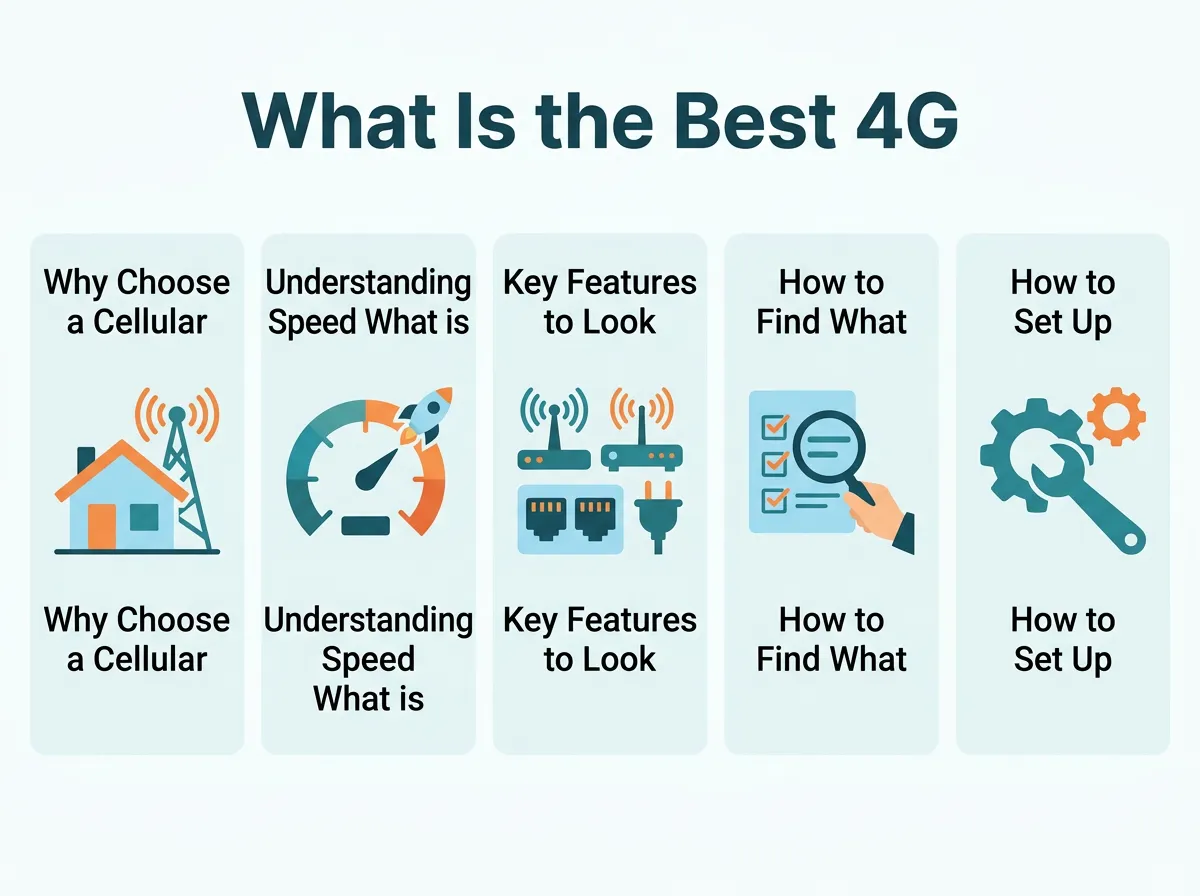
What Is the Best 4G Router? — key points at a glance
Cat 4 vs. Cat 6 and Higher
A Cat 4 router is a budget-friendly option. It offers download speeds up to 150 Mbps. This is fine for basic web browsing and streaming on one screen. But if you have many devices, you should look for a Cat 6 router. Cat 6 supports carrier aggregation. This means it can connect to two mobile bands at the same time. This feature doubles your potential speed up to 300 Mbps.
High-End Categories for Heavy Users
If you want the ultimate speed, you might ask: What Is the Best 4G Router for high speeds? The answer is a Cat 12 or Cat 18 router. These high-end devices can reach speeds of over 1 Gbps under perfect conditions. These devices are great for busy homes with many users. They cost more, but they offer the best lag-free experience.
Key Features to Look For
Not all routers are made the same way. You must look at the hardware features to find the right fit. Here are the most important things to check before you buy.
Dual-Band Wi-Fi
Always choose a router with dual-band Wi-Fi. This means it has both 2.4 GHz and 5 GHz bands. The 2.4 GHz band is great for long distances. The 5 GHz band is much faster but has a shorter range. Having both keeps your network smooth. It stops your devices from fighting for bandwidth.
External Antenna Ports
If you live in a place with a weak signal, this is a vital feature. Look for a router with external antenna ports. These ports let you plug in outdoor antennas. An outdoor antenna can reach cell towers that are far away. This can turn a weak, slow signal into a very strong and fast one.
Ethernet Ports for Wired Devices
Do you play online games or stream in 4K? If so, you need Ethernet ports. A wired connection is always more stable than Wi-Fi. Look for gigabit Ethernet ports. They ensure you get the full speed of your cellular connection on your desktop PC or gaming console.
How to Find What Is the Best 4G Router for You
Choosing the right model depends on where and how you will use it. Let us look at some of the top options available today. This will help you narrow down your search.
The Best Overall Home Option
For most families, a mid-range TP-Link router is the top pick. Brands like TP-Link make very reliable devices. They are easy to set up with a mobile app. You can find high-quality models in this selection of TP-Link 4G and 5G routers. These devices offer a great mix of speed, range, and price. They work well with almost any mobile carrier.
The Best Budget Option
If you want to save money, a basic Cat 4 router is a smart buy. It will not cost much, and it still gets the job done. It is perfect for light use. You can use it for checking emails, online shopping, and watching HD videos. It is a simple tool that does exactly what you need.
The Best Travel Companion
Do you need internet on the go? A portable travel router is your best bet. These devices are small and have built-in batteries. You can slip them into your pocket. They are ideal for road trips, hotels, and outdoor adventures. For more detailed reviews, you can read this article about the best 4G routers for various needs. They keep you safe and connected when away from home.
How to Set Up Your New 4G Router
Setting up your new device is very simple. You do not need to be a tech expert to do it. Just follow these easy steps to get online in minutes.
Inserting the SIM Card
First, you need an active SIM card with a data plan. Make sure the SIM card size matches the slot on your router. Some use micro-SIM cards, while others use nano-SIM cards. Gently push the card into the slot until it clicks. Do this before you turn the device on.
Configuring the APN Settings
Most modern routers will set themselves up. They read the SIM card and connect to the network automatically. But sometimes, you might need to enter the APN settings manually. APN stands for Access Point Name. You can find these settings on your mobile carrier’s website. Type them into your router’s setup page to get connected.
Securing Your Network
Once you are online, change the default Wi-Fi password. Choose a strong password that is hard to guess. This keeps strangers from using your data. It also keeps your personal information safe. You can do this easily through the router’s web page or app.
Tips to Boost Your 4G Signal
Once you buy your router, you need to set it up for success. Simple changes can make a big difference in your internet speed. Here is how to get the most out of your device.
Find the Best Window
Cellular signals have a hard time passing through thick walls. Place your router near a window. Try to choose a window that faces your nearest cell tower. This simple step can double your speeds. It also lowers your latency, which is great for gaming.
Keep Away from Interference
Do not hide your router in a cupboard or behind a TV. Keep it in the open. Also, keep it away from microwaves and baby monitors. These devices can mess with your Wi-Fi signal. A clear path means a better connection for all your devices.
Conclusion: What Is the Best 4G Router?
Finding the right device does not have to be hard. When asking What Is the Best 4G Router?, you must look at your own needs. Think about your budget, your signal strength, and how many devices you have.
A good Cat 6 dual-band router is the sweet spot for most homes. It offers fast speeds, stable connections, and a great price. If you travel a lot, a pocket-sized travel router is a better choice. No matter what you choose, a cellular router will keep you connected when you need it most. It is a smart investment for any modern home.
Frequently Asked Questions
Can I use any SIM card in a 4G router?
Yes, but the router must be unlocked to accept any network. You also need an active SIM card with a data plan from a compatible cellular carrier.
Do I need an external antenna for my 4G router?
You only need an external antenna if your indoor signal is very weak. Plugging in an outdoor antenna can help the router connect to far-away towers.
Can a 4G router replace home broadband?
Yes, it can easily replace standard home broadband. It is a great alternative for rural areas where fiber cables are not yet installed.
What is the difference between a 4G router and a mobile hotspot?
A 4G router is built for 24/7 home use and features a larger Wi-Fi range and Ethernet ports. A hotspot is smaller, battery-powered, and designed for light travel.
How many devices can connect to a 4G router?
Most home 4G routers can easily handle 32 to 64 devices at the same time. Check your specific router’s manual to find its exact user limit.
Does a 4G router work with 5G SIM cards?
Yes, a 5G SIM card will work in a 4G router. However, you will only get 4G speeds because the router does not have 5G hardware.
