



The Sixfab 4G/LTE Cellular Modem Kit is the best overall cellular modem for a Raspberry Pi due to its reliable power management, great software, and excellent support. For budget-focused projects, a plug-and-play Huawei MS2372 USB dongle is a fantastic, simple alternative. If you need ultra-high speeds for video streaming or edge computing, a Waveshare 5G HAT is the ultimate choice to future-proof your setup.
Imagine building a smart camera to watch wildlife in a deep forest. Or picture a weather station sitting high up on a mountain. Perhaps you want to build a mobile robot that roams around your neighborhood. All of these cool projects have one big thing in common. They need a reliable internet connection to send data back to you. Since there is no Wi-Fi or ethernet cable in the wild, you must rely on mobile networks.
Adding mobile data to your single-board computer opens up a world of endless options. You can place your device anywhere in the world and still talk to it. But with so many add-on boards, USB sticks, and chips on the market, finding the right hardware can feel very hard. You do not want to buy a device only to find out that it does not work with your carrier or your version of Raspberry Pi OS.
In this guide, we will break down the top options on the market. We will look at different styles of modems, their pros and cons, and how to choose the right one for your needs. We will also share vital tips on power and setup to ensure your project runs smoothly without any unexpected shutdowns.
Key Takeaways
- Top Choice: The Sixfab 4G/LTE Kit offers the best balance of software support, hardware reliability, and ease of use.
- Budget Option: USB dongles like the Huawei MS2372 are cheap and work out of the box with minimal configuration.
- High-Speed 5G: For heavy data needs, 5G M.2 modules on expansion boards provide massive bandwidth but cost more.
- Power Management: Cellular modems consume significant power during data transmission, requiring a stable power supply.
- Carrier Bands: Always check that your chosen modem supports the specific network frequencies of your local mobile carrier.
📑 Table of Contents
Understanding Your Options: USB Dongles vs. HATs vs. M.2 Modules
Before we look at specific models, we need to understand the three main types of cellular modems you can use with your Pi. Each type has its own strengths and weaknesses. Choosing the right style depends on your budget, your space limits, and how much speed you need.
USB Dongles: The Plug-and-Play Choice
USB dongles are the simplest way to get online. They look just like flash drives. You simply slide in a SIM card and plug the dongle into one of the USB ports on your Pi. Many of these dongles work as virtual ethernet cards. This means your Pi sees them as a simple wired network connection. You do not have to install complex drivers or write long scripts to get them to work.
Cellular HATs: The Integrated Shield Option
HAT stands for Hardware Attached on Top. These are circuit boards that sit directly on top of the GPIO pins of your Pi. They offer a much cleaner look than a dangling USB stick. They are great for tight enclosures. Most HATs connect to the Pi using a small USB cable or bridge, but they draw power directly from the GPIO pins. Many cellular HATs also include extra features like built-in GPS trackers.
M.2 Modules with Adapter Boards: The High-Performance Option
If you want the absolute fastest speeds, you will need an M.2 cellular module. These are the same wireless cards used in high-end laptops. They do not plug into the Pi directly. Instead, you mount them onto a special expansion board or HAT, which then connects to the Pi. This setup is the most expensive, but it is the only real way to get true 5G speeds on your device.
The Best Overall: Sixfab 4G/LTE Cellular Modem Kit
If you want a setup that just works without any headache, you should look at Sixfab. When people ask, What Is the Best Cellular Modem for a Raspberry Pi?, the answer is almost always Sixfab. Their kit is built specifically for the Pi, and it shows in every detail.
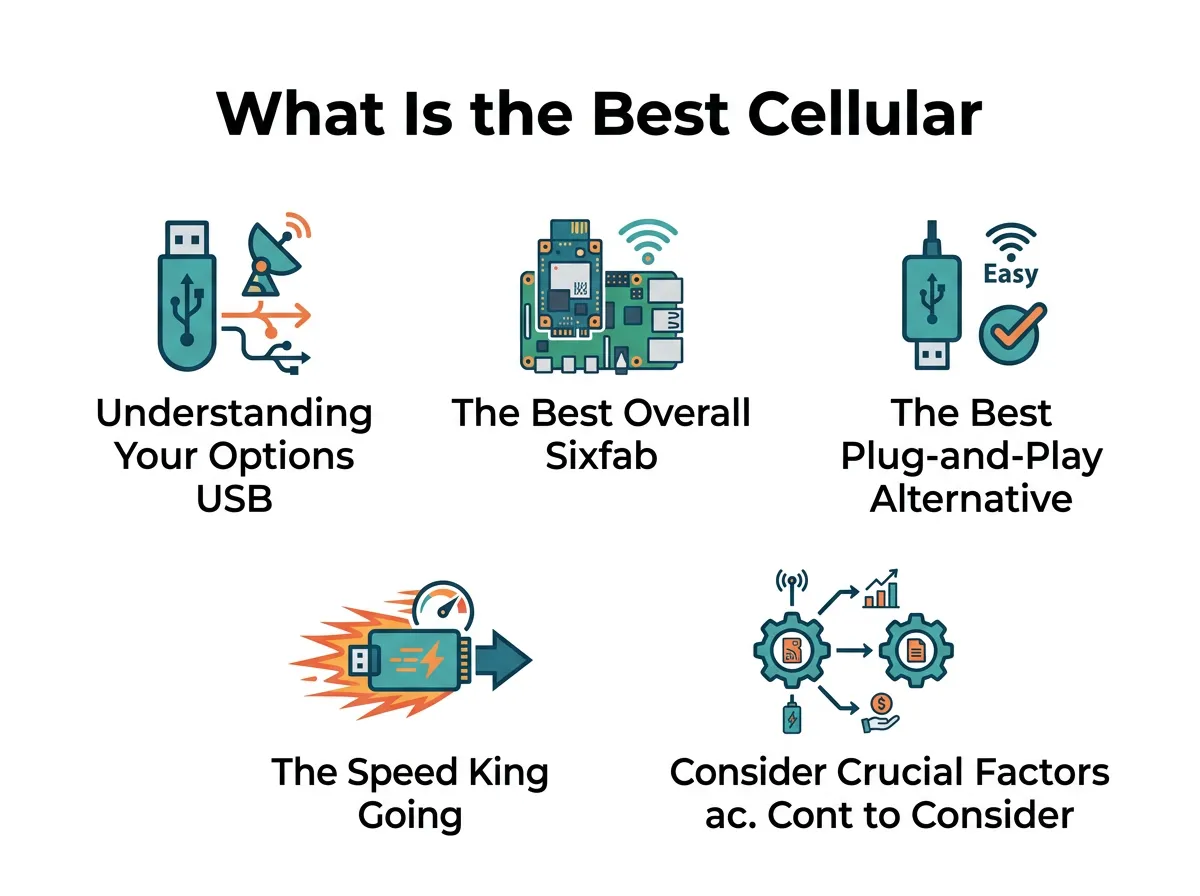
What Is the Best Cellular Modem for a Raspberry Pi? — key points at a glance
The Sixfab Raspberry Pi 4G LTE Modem Kit comes with everything you need to get started. You get the main HAT, a reliable Quectel module, antennas, and all the cables. It fits perfectly on top of a Raspberry Pi 3 or Pi 4. It also works well with the newer Raspberry Pi 5.
The secret to Sixfab’s success is their software. They provide clear, step-by-step guides and an easy install script. You can get your connection up and running with just a few simple commands. They also offer a cloud platform. This allows you to manage your remote devices, check your data usage, and update your code from anywhere in the world. It is an ideal choice for both beginners and industrial users who need to deploy many devices at once.
The Best Plug-and-Play Alternative: USB Dongles
Sometimes you do not want a complex HAT sitting on top of your Pi. Maybe you are already using the GPIO pins for other sensors. Or perhaps you want a cheap solution that you can move between your laptop and your Pi. In these cases, a USB dongle is your best bet.
The Huawei MS2372 is a highly rated industrial USB dongle. It is built to last and works in extreme temperatures. Unlike cheap consumer dongles, the MS2372 is designed to stay online for months at a time without needing a reboot. It supports standard 4G LTE speeds, which is more than enough for sending sensor data, photos, or basic system commands.
Another popular option is the Huawei E3372. It is widely available and very affordable. It runs in “HiLink” mode, which means it handles the cellular connection internally and presents a simple web page to configure your settings. This makes the setup incredibly fast. If you want to dive deeper into how these dongles behave on different systems, you can read more about how to add cellular connectivity to your Raspberry Pi using various USB methods.
The Speed King: Going 5G with Your Pi
As cellular networks grow, 4G is slowly making room for 5G. If your project involves streaming high-definition video, running real-time AI at the edge, or building a portable network router, 4G speeds might hold you back. You will need to step up to a 5G modem.
Waveshare makes some of the best high-speed expansion boards for the Pi. Their 5G HATs support M.2 modules from top brands like Quectel and SIMCom. These modules can reach download speeds of over one gigabit per second under ideal conditions. This is incredibly fast for a credit-card-sized computer.
However, 5G comes with some trade-offs. The modules are much larger than 4G HATs. They also require up to four separate antennas to get the best signal. Furthermore, 5G chips run very hot. You will need to add a heatsink or a small fan to keep the system cool. But if speed is your top priority, a 5G M.2 setup is worth every penny.
Crucial Factors to Consider Before Buying
Before you run out and purchase a modem, there are a few important things you must check. Skipping these steps could leave you with a piece of hardware that does not work in your area.
1. Carrier Compatibility and Frequency Bands
Cellular networks use different radio frequencies in different parts of the world. A modem that works perfectly in Europe might not connect at all in North America. When looking for a modem, check the model number carefully. Manufacturers often sell different regional versions of the same modem (for example, “US” for North America and “EU” for Europe). Always match the modem’s bands with the bands used by your SIM card provider.
2. Power Consumption and External Power Supplies
This is the most common reason why cellular projects fail. When a modem searches for a signal or transmits a large file, it draws a lot of power. A standard Raspberry Pi USB port can only output a limited amount of current. If your modem draws too much power, your Pi might crash or reboot. In his detailed testing, Jeff Geerling wrote a great guide on using 4G LTE wireless modems on Raspberry Pi which highlights these power challenges. To avoid this, always use a high-quality power supply for your Pi, or use a HAT that allows you to plug in an external power source directly to the cellular board.
3. Antenna Quality and Placement
If you are placing your Pi inside a metal box or a thick concrete building, the cellular signal will be very weak. A tiny internal antenna will not cut it. Look for modems that use standard SMA connectors. This allows you to attach large, external antennas. You can then run a cable to mount the antenna outside your enclosure or on top of a roof to get the best possible reception.
Conclusion
So, What Is the Best Cellular Modem for a Raspberry Pi? For the vast majority of users, the Sixfab 4G/LTE Cellular Modem Kit is the absolute winner. Its great software, strong community, and reliable power design make it the easiest way to get your Pi online.
If you are on a tight budget or want a simple plug-and-play tool, go with a rugged USB dongle like the Huawei MS2372. For those who need maximum speed for heavy data tasks, investing in a Waveshare 5G HAT will give you the high-speed network connection you need. No matter which option you choose, adding cellular data to your Pi will help take your projects to the next level!
Frequently Asked Questions
What Is the Best Cellular Modem for a Raspberry Pi?
The Sixfab 4G/LTE Cellular Modem Kit is the best choice overall. It offers excellent software integration, reliable hardware, and superb power management. This makes it perfect for both beginners and industrial IoT projects.
Can I use a standard mobile phone SIM card in my Raspberry Pi modem?
Yes, you can use a standard SIM card from carriers like T-Mobile, AT&T, or Vodafone. However, some carriers require special IoT or data-only plans for modems, so it is best to check with your provider first.
Do I need an external power supply for a cellular HAT?
While some low-power 4G HATs can run directly off the Raspberry Pi’s power, it is highly recommended to use a high-quality power source. Modems can spike in power usage when searching for a signal, which can cause the Pi to crash if power is low.
Will a 5G modem work on an older Raspberry Pi 3?
Yes, but you will not get the maximum possible speeds. The Raspberry Pi 3 uses USB 2.0 ports, which limit the data speed to 480 Mbps. To get true gigabit 5G speeds, you should use a Raspberry Pi 4 or Raspberry Pi 5 with USB 3.0 ports.
Do these modems come with built-in GPS?
Many cellular HATs, including the Sixfab kit and various Waveshare models, feature built-in GNSS/GPS modules. You will just need to connect an active GPS antenna to the board to track your Pi’s location.
Can I use a cellular modem to turn my Pi into a Wi-Fi hotspot?
Yes, you can easily configure your Raspberry Pi as a router. By combining a cellular modem with the Pi’s built-in Wi-Fi chip, you can share the mobile data connection with other devices in the area.
